Home/Monitoring/Technics RP-DJ1210
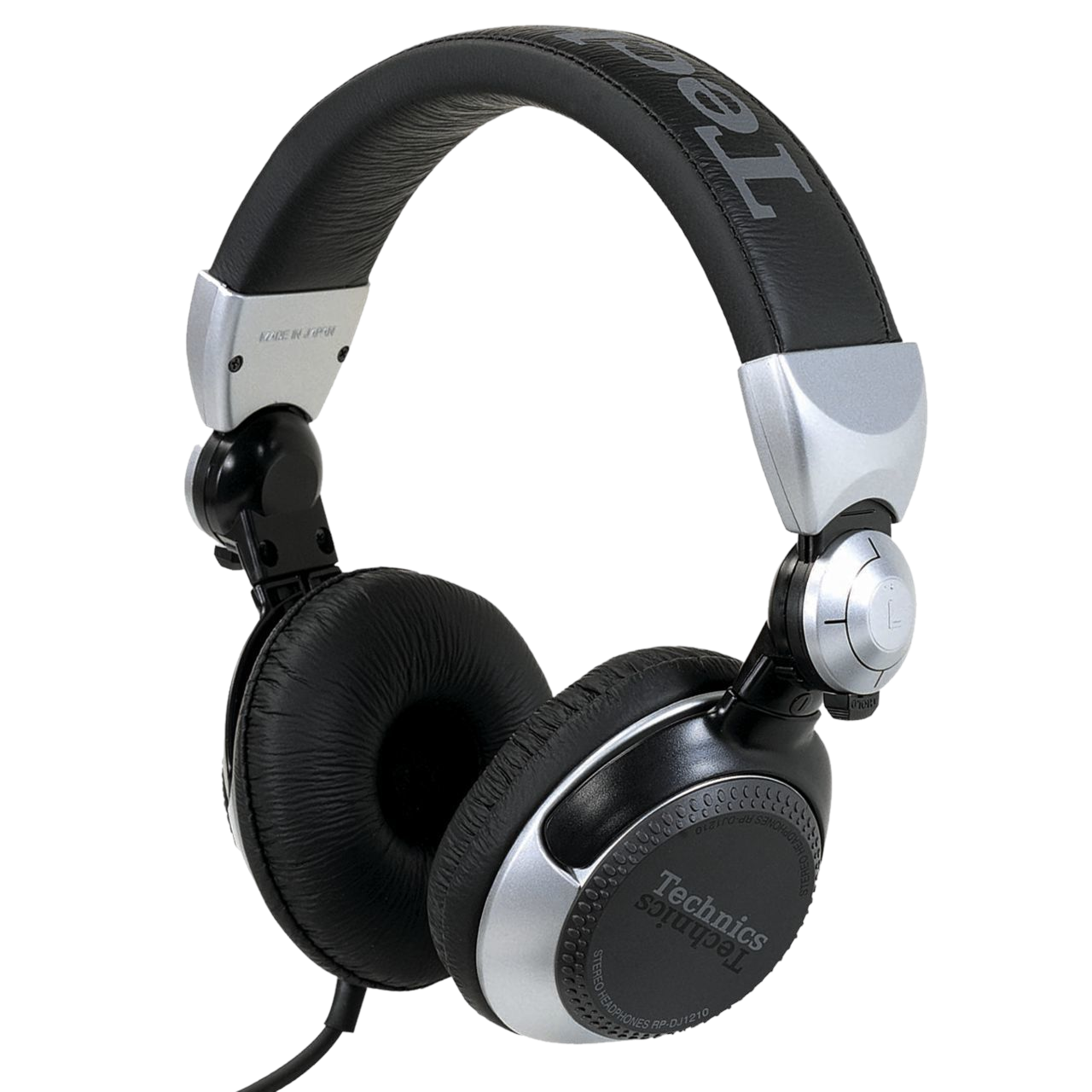
DJ HeadphonesTechnics RP-DJ1210 DJ Headphones
Technics · Intermediate

Technics RP-DJ1210

Technics' booth headphone, built to match the SL-1200 — loud, tough and made for one-ear monitoring. Learn pro cueing on a true club tool.

4
Lessons
Monitoring
Type
Intermediate
Level
Overview

Everything the manual says — minus the headache.

The Technics RP-DJ1210 is a professional DJ headphone from the brand behind the legendary SL-1200 turntable — and it's built in the same spirit: loud, durable and made for the booth. With high sound pressure, strong isolation and freely swivelling cups for one-ear monitoring, it's a serious cueing tool. This guide covers what makes it a true club headphone and teaches the monitoring craft it's designed for.

  • Understand the RP-DJ1210's booth-first design
  • Set up cueing and pre-listen to your next track
  • Use the swivel cups for one-ear monitoring
  • Beatmatch by ear and care for your hearing and gear
Advertisement
Lessons
01

A booth headphone from Technics

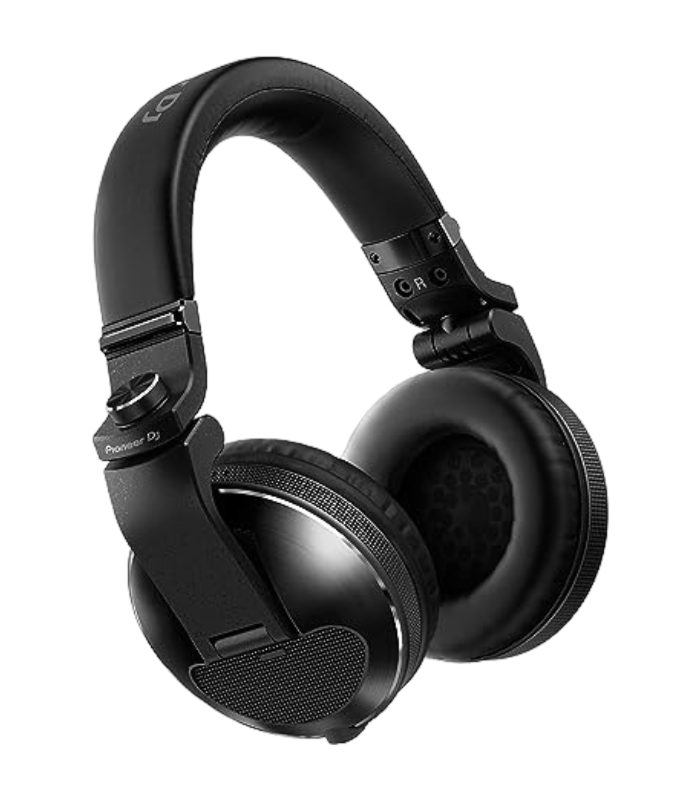
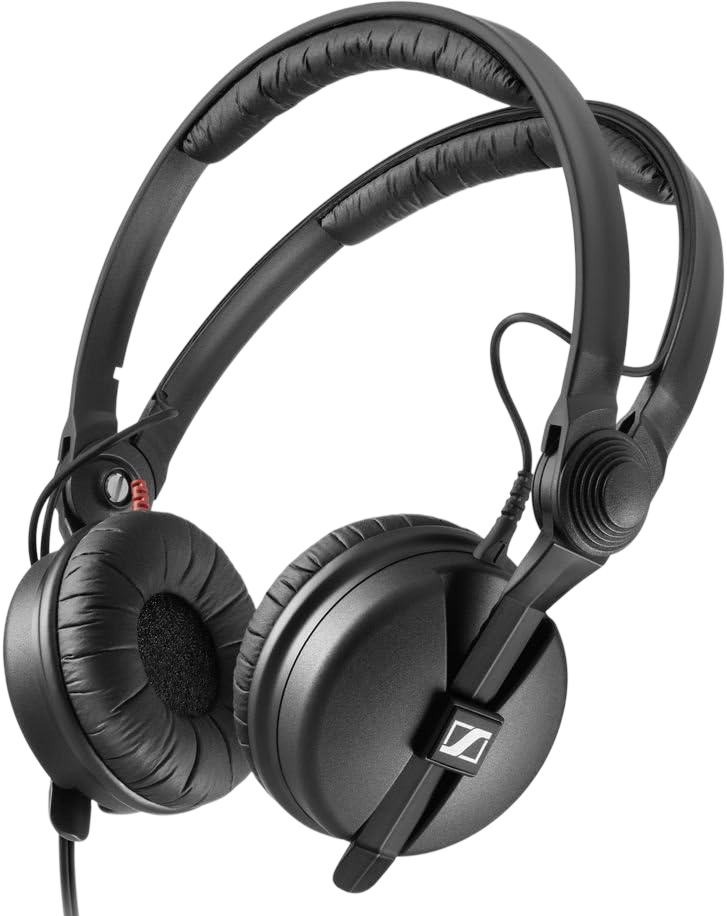
Technics is a name turntablists revere because of the SL-1200, the most iconic DJ turntable ever made. The RP-DJ1210 is the headphone built to sit alongside it, and it shares the same priorities: it's made to be loud, tough and reliable in a working booth, not delicate or hi-fi. It delivers high sound pressure so it can cut through a loud club, isolates well to seal out the room while you cue, and has cups that swivel freely so you can fold one out of the way for one-ear monitoring. The build is rugged, in keeping with Technics' reputation for gear that survives years of abuse. This is a professional cueing tool, and like any headphone it's only as good as the skill behind it. This guide covers what makes the RP-DJ1210 a genuine booth headphone, then teaches the monitoring craft — cueing, one-ear technique and beatmatching by ear — that you actually use it for. If you run Technics turntables, it's a natural companion, but the skills apply on any setup.

02

Cueing your next track

Cueing is the core job of any DJ headphone: privately listening to your next track while the audience hears only what's currently playing. Plug the RP-DJ1210 into your mixer's headphone socket, use the cue buttons to select the channel you're preparing, and that track plays in your headphones alone. Use the mixer's cue/master balance to blend a little of the live master into your headphones, so you can hear both your cued track and what's playing — which is what makes beatmatching them possible. The RP-DJ1210's loud output and isolation mean your cue stays clear even over a heavy system. This private pre-listen is how you find a track's start point, set its tempo and get it ready before the crowd ever hears it. The workflow is universal across DJ headphones — our HDJ-X10 guide covers it in depth and applies identically here. Get comfortable with cue routing on your particular mixer or controller first, because everything else builds on it.

03

One-ear monitoring

The freely swivelling cups on the RP-DJ1210 exist for one reason: one-ear monitoring, the standard way DJs work a loud room. Keep one cup sealed over the ear you're cueing with, and rotate the other cup off your ear so you can hear the speakers and the crowd directly. This lets you do the essential thing — match what's in your headphone (the cued next track) to what the room is actually hearing (the playing track). You're effectively listening to two sources at once, one per ear, and bringing them into alignment. The RP-DJ1210's strong isolation means the sealed cup keeps your cue clear over a pounding system, so you don't have to push the volume dangerously high. The free-swivel design makes the one-ear hold easy and natural. Practise it until it's automatic; it's the posture you'll use in every booth, and it keeps you connected to the room rather than buried in your headphones. Our HDJ-X10 guide covers the technique in more detail.

04

Beatmatching, hearing & durability

The RP-DJ1210 is built to beatmatch on: its loud, punchy output makes the kick drums easy to hear and lock together as you ride the tempo of your cued track against the playing one. Our How to Beatmatch guide breaks the technique down, and it's especially at home on a Technics setup with the SL-1200's hands-on pitch control. Protect your hearing while you do it. Good isolation means you don't need extreme volume to hear your cue, so keep it only as loud as necessary — your ears are the one piece of gear you can't replace, and DJs spend years beside loud systems. Take breaks and consider proper earplugs at gigs. As for the headphone itself, it's built tough in true Technics fashion, but treat it well: coil the cable loosely, wipe the pads down after a sweaty set, and store it so the cups aren't crushed. Look after it and it'll be your booth companion for years — a durable, loud, no-nonsense cueing tool from the brand that defined DJ turntables.

Techniques to practise
Related gear
Advertisement