01
What the HDJ-X10 is & why DJ headphones matter
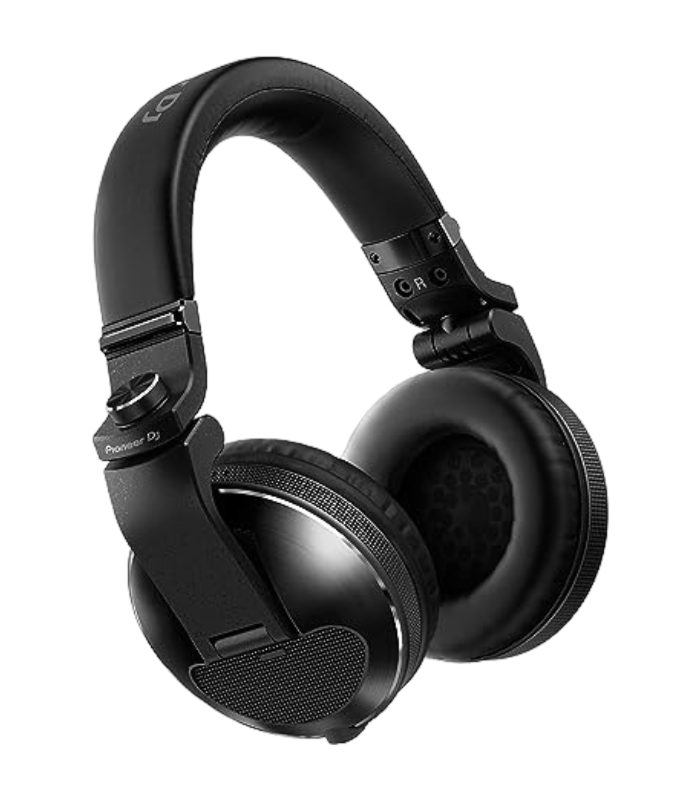
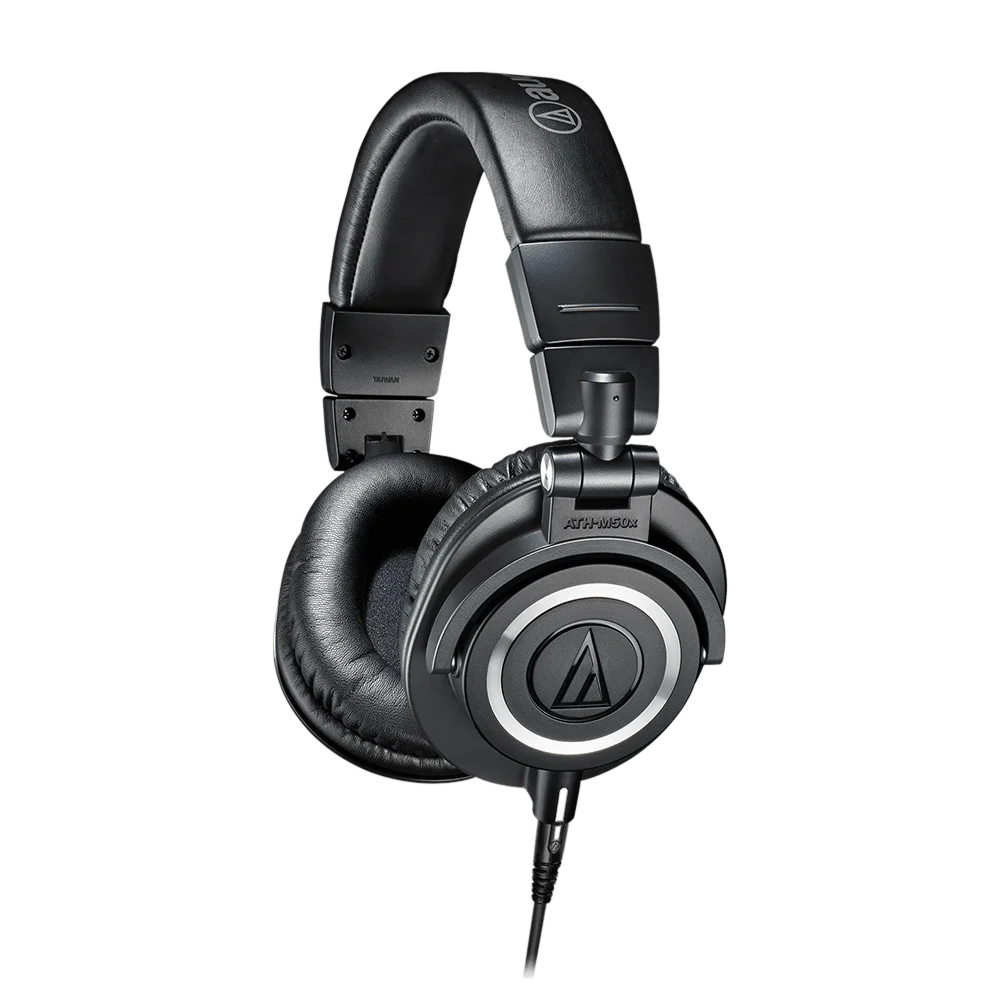
The HDJ-X10 is Pioneer DJ's flagship professional headphone, and it's built for a very specific, demanding job: letting you hear the next track clearly in a room that's already deafeningly loud. That's why DJ headphones are different from the pair you listen to music on. They're loud and punchy so a kick drum cuts through a club; they isolate, sealing out the room so you can hear what you're cueing; and they're built like tanks — the X10 passed the US military MIL-STD-810G shock test and has a detachable cable so a yank on a busy stage doesn't destroy it.
The X10's 50mm drivers reach from a deep 5 Hz up to 40 kHz, with a bass-reflex chamber for the low-end punch DJs rely on to beatmatch. Practical touches matter too: the ear pads are nano-coated so you can wipe off sweat, the cups swivel for one-ear monitoring, and it ships with both a coiled and a straight detachable cable.
Great headphones make the job easier — but the job itself is a skill, and the rest of this guide teaches it.
02
Cueing: hearing the next track first
Cueing is the whole reason DJs wear headphones, and it's the first skill to master. While one track plays out loud to the room, you use your headphones to listen privately to the next track and get it ready — without the audience hearing a thing.
It works through your mixer. Every channel has a headphone Cue button: press the cue button on the channel you're preparing, and that track is sent to your headphones only. A Headphone Mix knob lets you blend between the cue signal (the track you're prepping) and the master (what the crowd hears), so you can listen to your next track on its own, or hear it alongside the live mix to check they fit. The Headphone Level knob sets the volume.
So the routine is: load the next track, hit its cue button, and in your headphones find its first beat and set a cue point so you can launch it precisely. This private preview is what lets DJs switch tracks seamlessly — the crowd only ever hears the polished result, never the preparation happening in one ear.
03
Beatmatching by ear & Split Cue
Beatmatching by ear is the craft your headphones exist for. The goal is to make the next track play at the same speed as the current one and line their beats up, so when you bring it in they sound like one song. You do it by listening to both at once and adjusting.
Set your Headphone Mix so you can hear the cued track in one ear and the master mix bleeding in too. Start the next track in your headphones and listen to its kick drum against the kick of the track playing out. If they drift apart, you nudge the next track's tempo and jog until the two kicks land exactly together — a steady single thump instead of a flam. It takes practice to hear, which is exactly why you train it with good, isolating headphones.
Many mixers have a Split Cue switch that makes this easier: it puts the cued track in your left ear (summed to mono) and the master mix in your right, so you can compare the two directly, one in each ear. Learning to beatmatch by ear — not just with the Sync button — is the skill that makes you a real DJ, and your headphones are the instrument you learn it on.
04
Fit, isolation & one-ear monitoring
There's a technique to wearing DJ headphones, and it's not how you'd wear them on the train. In a loud booth you often monitor with one ear: keep one cup on the ear you're cueing with, and slide the other cup off or behind your ear so you can still hear the room and the speakers directly. That's why the HDJ-X10's cups swivel — so you can twist one out of the way and hold the other in place, the classic DJ posture you've seen a thousand times.
Isolation is what makes this possible. Because the X10 seals around your ear and blocks outside sound, the single cued ear can clearly hear your next track even over a pounding system. A good seal also means you don't have to crank the volume to hear detail — which protects your hearing (more on that next).
Get comfortable with the one-ear hold early: it frees you to keep one ear on the crowd and the master, so you're mixing by what the room actually hears, not just what's in your headphones. Comfort matters over a long set too — the X10's cushioned, nano-coated pads and adjustable band are built for hours, so take a moment to set the fit before you play.
05
Protect your hearing
This is the most important lesson in this entire guide, because your hearing is the one piece of equipment you can never replace. DJs work in extremely loud environments and press isolating headphones against their ears for hours, and far too many develop permanent hearing damage and tinnitus — a constant ringing that never goes away. It is completely preventable, and protecting your ears now is protecting your whole career.
The rules are simple. Keep your headphone volume as low as you can while still hearing the cue clearly — good isolating headphones like the X10 let you do this because they block the room instead of forcing you to drown it out. Keep your booth monitor at a sensible level for the same reason. Take breaks: step away from the speakers between sets to let your ears recover. And seriously consider wearing musicians' earplugs — the flat-response kind made for DJs lower the volume without muffling the music, so you can still mix perfectly while protecting your ears.
Loud feels exciting, but ringing ears the next morning are a warning, not a badge of honour. Protect your hearing from day one and you'll still be DJing decades from now.
06
Care, cables & getting the best sound
A flagship headphone lasts years if you treat it right. The HDJ-X10's cable is detachable with a secure connector, which is a feature worth using: coil it loosely rather than yanking it, and if a cable ever fails you simply swap it instead of binning the headphones. It comes with both a coiled cable (great for the booth, where it stays out of the way and stretches when you lean in) and a straight cable (better for travel and listening). Keep the cup with the detachable connector treated gently, as the connection point is the part that sees the most stress.
Look after the pads and band too: the nano coating means you can wipe sweat and grime off after a gig, which keeps them comfortable and hygienic over years of use. Store the headphones in a case or bag so the cups don't get crushed in your gear.
On sound: the X10 is tuned for the booth — a strong, punchy low end so you can feel and lock onto a kick drum when beatmatching, with clear highs so you can place hi-hats and vocals. That's exactly what you want for cueing, even if it's a touch more forward than a 'neutral' studio headphone. Set your fit, mind your volume, and these will be the tool you cue and beatmatch on for a long time.