01
What the SC6000 is & dual layer
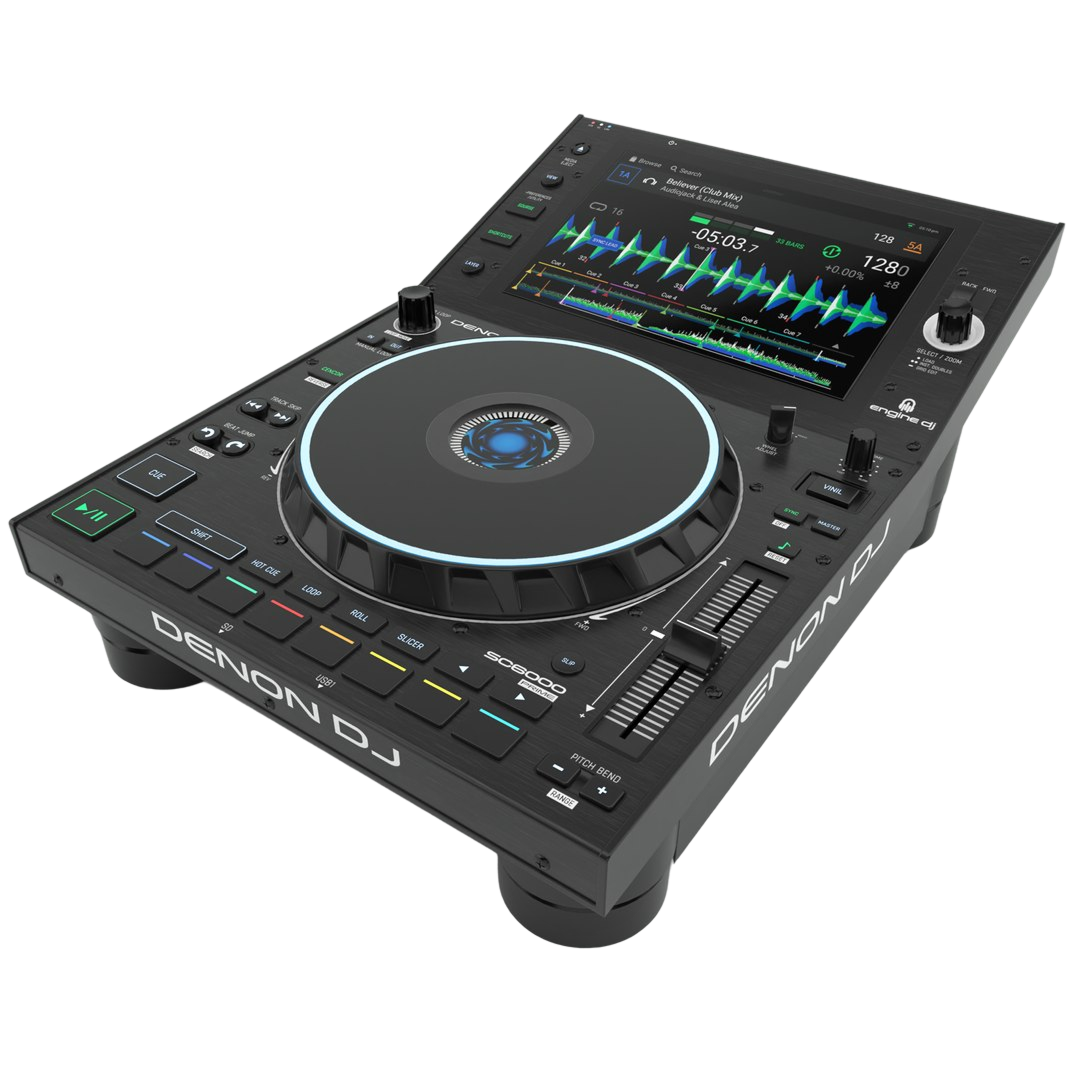
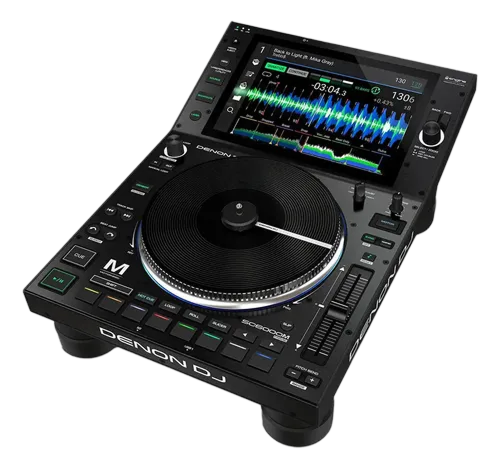
The Denon DJ SC6000 Prime is a professional standalone media player — Denon's direct competitor to Pioneer's CDJ players. Like a CDJ, it's a single deck that plays one track, fed into a separate mixer, and it runs standalone with no laptop, driven by a huge 10.1-inch touchscreen. It runs on Denon's Engine DJ ecosystem.
Its headline feature is dual layer. A normal player plays one track at a time, but the SC6000 can run two independent decks inside a single unit — switch the 'layer' and you're controlling a second track on the same machine. That means a pair of SC6000s gives you four decks, and even a single unit lets you mix two tracks for practice. It's a genuine advantage over a standard one-track player.
The SC6000 also offers things CDJs of its era didn't: built-in Wi-Fi for streaming services and networking, a bay for an internal hard drive so your whole library lives in the unit, and a generous, responsive touchscreen. This guide covers loading music, the controls, and performing — with the universal skills in our Techniques section applying throughout.
02
Getting music in: Engine DJ, drives & streaming
The SC6000 runs on Engine DJ, Denon's software and ecosystem (and notably, Engine DJ can import a Serato or rekordbox library, so you don't have to start over). You prepare your music in Engine DJ on a computer — import, analyse for BPM and key, set cues and loops — then take it to the unit. Sources are plentiful: a USB stick or SD card, a hard drive (SSD recommended) mounted in the internal bay so your entire collection travels inside the player, another networked SC6000, or — thanks to built-in Wi-Fi — streaming services and your cloud library.
On the unit, the big touchscreen is your library: browse, search and filter to find the right track fast, and load it to a layer. Multiple SC6000s can be linked over a network so they share libraries and stay in sync, the standalone equivalent of Pro DJ Link.
The streaming and internal-drive options make the SC6000 especially flexible — you can show up with nothing but the unit (and headphones and a mixer) and still have access to a massive library. As always, prepare and back up your music so a gig never depends on a single drive or a flaky connection.
03
The touchscreen & jog
The SC6000's 10.1-inch touchscreen is central to how you play. It shows large, clear waveforms so you can see drops and breakdowns coming, your cues and loops, and all your browsing, and you interact with it directly — tapping, swiping and pinching to zoom. Many functions that are buried in menus on other gear are right there on the screen.
The jog wheel is a capacitive, touch-sensitive platter (not motorised on the SC6000 — that's the SC6000M, covered in its own guide). With vinyl mode on, touching the top lets you scratch; nudging the edge bends the pitch for fine timing. There's a small display in the centre of the jog showing artwork and position. The feel and the start/stop braking are adjustable to taste.
The basics are familiar: Play/Pause and Cue (set a launch point and snap back to it on the beat), plus Track Search and a needle-search strip for jumping around. The universal skill of matching two tracks by ear is taught in our How to Beatmatch guide; the SC6000's responsive jog and clear waveforms make it a comfortable, modern platform to perform it on.
04
Playing & using dual layer
Playing the SC6000 is like playing any pro media player: cue a track, beatmatch it to the other deck (by ear or with sync), and blend on your mixer using EQ and the bass swap (our Gain Staging & EQ Mixing guide covers the technique). What's different is the dual layer.
Each SC6000 has a layer control to switch between its two decks. On a single unit, you can load a track on layer A, switch to layer B and load another, and mix between them — effectively two players in one box, perfect for practising at home with just one unit and a mixer. In a club setup with two SC6000s, dual layer means you have four decks available: keep a loop or a vocal running on a back layer while you mix the front ones, enabling the kind of layered, creative sets that usually need four separate players.
Using layers well takes a moment to get used to — you have to track which layer you're controlling — but it's a powerful feature. Start by treating a single SC6000 as two practice decks, then, when you play on a pair, experiment with keeping an element running on a spare layer for richer transitions.
05
Performance pads, cues & loops
The SC6000 has performance pads with the modes you'd expect: Hot Cues (save and jump to your favourite moments — the drop, a vocal, the intro — to rearrange a track live or recover instantly), Loops (auto and manual, to extend a section or build tension), Roll, and a Slicer for chopping a section into playable pieces. Because you prepare your cues and loops in Engine DJ, they're ready to recall live on the pads.
Like Pioneer players, the SC6000 has Quantize (so cues and loops snap to the beat-grid and always land in time) and the touchscreen makes managing all of this fast and visual. The big screen is genuinely useful here — you can see and set everything without squinting.
The creative principles are universal: a single well-placed hot cue or loop beats constant pad-mashing, and our Looping & Hot Cues guide covers using them musically. On the SC6000, the combination of responsive pads, a clear touchscreen and dual layer makes it a capable performance instrument — start with clean hot-cue launches and simple loops, then build up as your confidence grows.
06
SC6000 vs SC6000M vs CDJ
Knowing how the SC6000 compares helps you place it. The SC6000M (covered in its own guide) is the same player with one big difference: a real motorised platter that spins like a turntable, for DJs who want that vinyl feel and scratch response — the standard SC6000 has a static touch-capacitive jog instead, which most club and electronic DJs are perfectly happy with and which keeps the price lower.
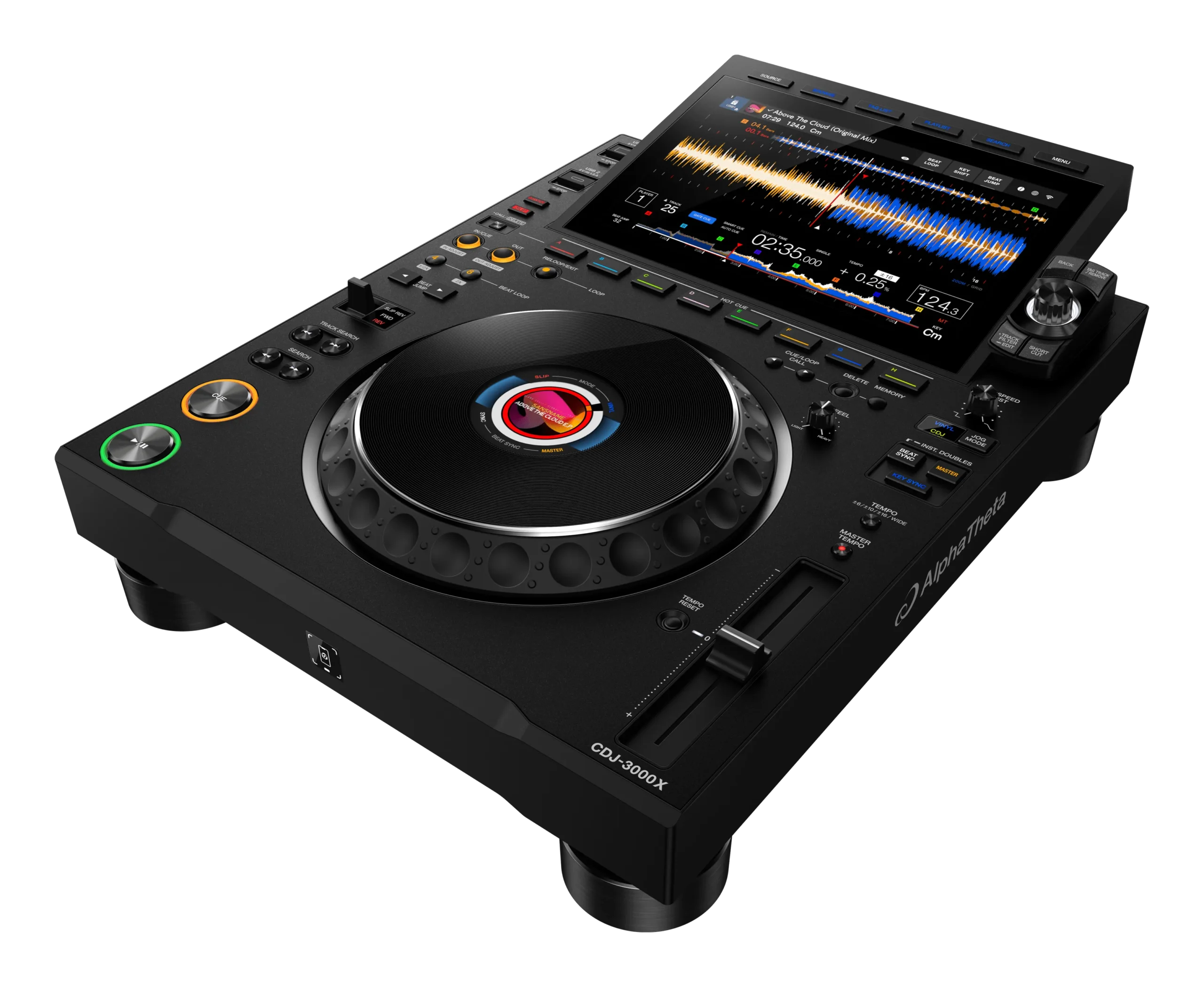
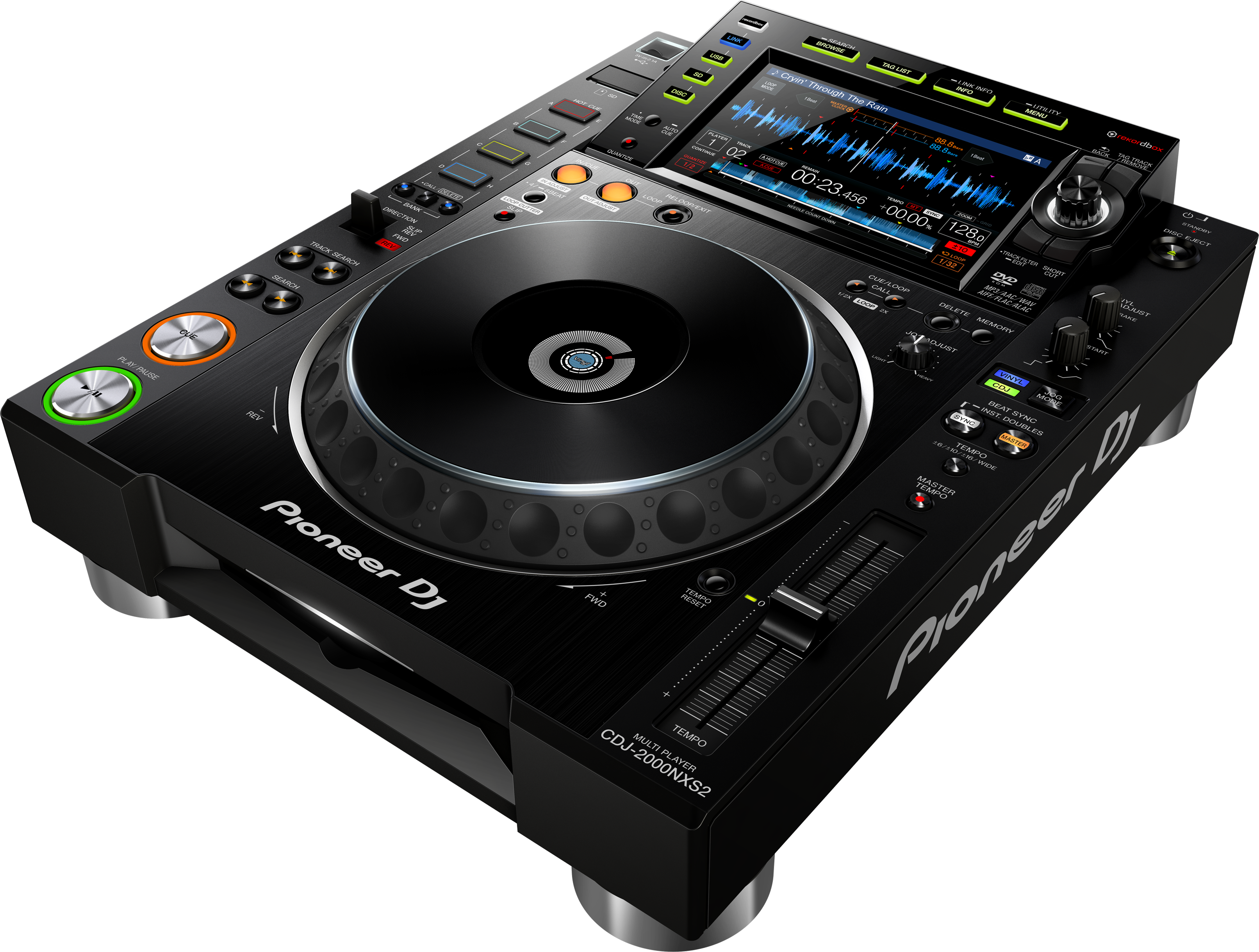
Against Pioneer's CDJs (like the CDJ-2000NXS2 and CDJ-3000 in our guides), the SC6000 competes hard and even leads in places: dual layer (two decks per unit), built-in Wi-Fi and streaming, and an internal drive bay were Denon advantages, often at a lower price. The main practical consideration is the ecosystem — CDJs are installed in most clubs, so many DJs still learn on or carry rekordbox workflows, while Denon's Engine DJ is excellent but less universally installed.
For a DJ building their own setup who wants huge features and flexibility for the money, the SC6000 is a compelling choice. The skills are the same as on any pro player — pair it with our Techniques section, and you'll perform confidently on it and adapt easily to CDJs when you encounter them.