Home/Controller/Reloop Ready
Portable 2-Channel ControllerReloop Ready Portable 2-Channel Controller
Reloop · Beginner

Reloop Ready

An ultra-portable Serato controller with a built-in sound card. Learn to DJ anywhere — slim, light and ready to throw in a backpack.

4
Lessons
Controller
Type
Beginner
Level
Overview

Everything the manual says — minus the headache.

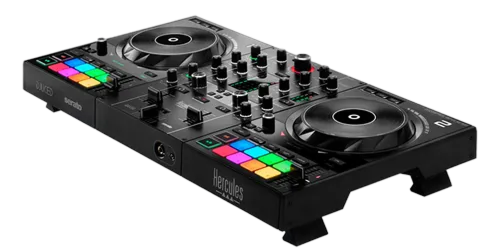
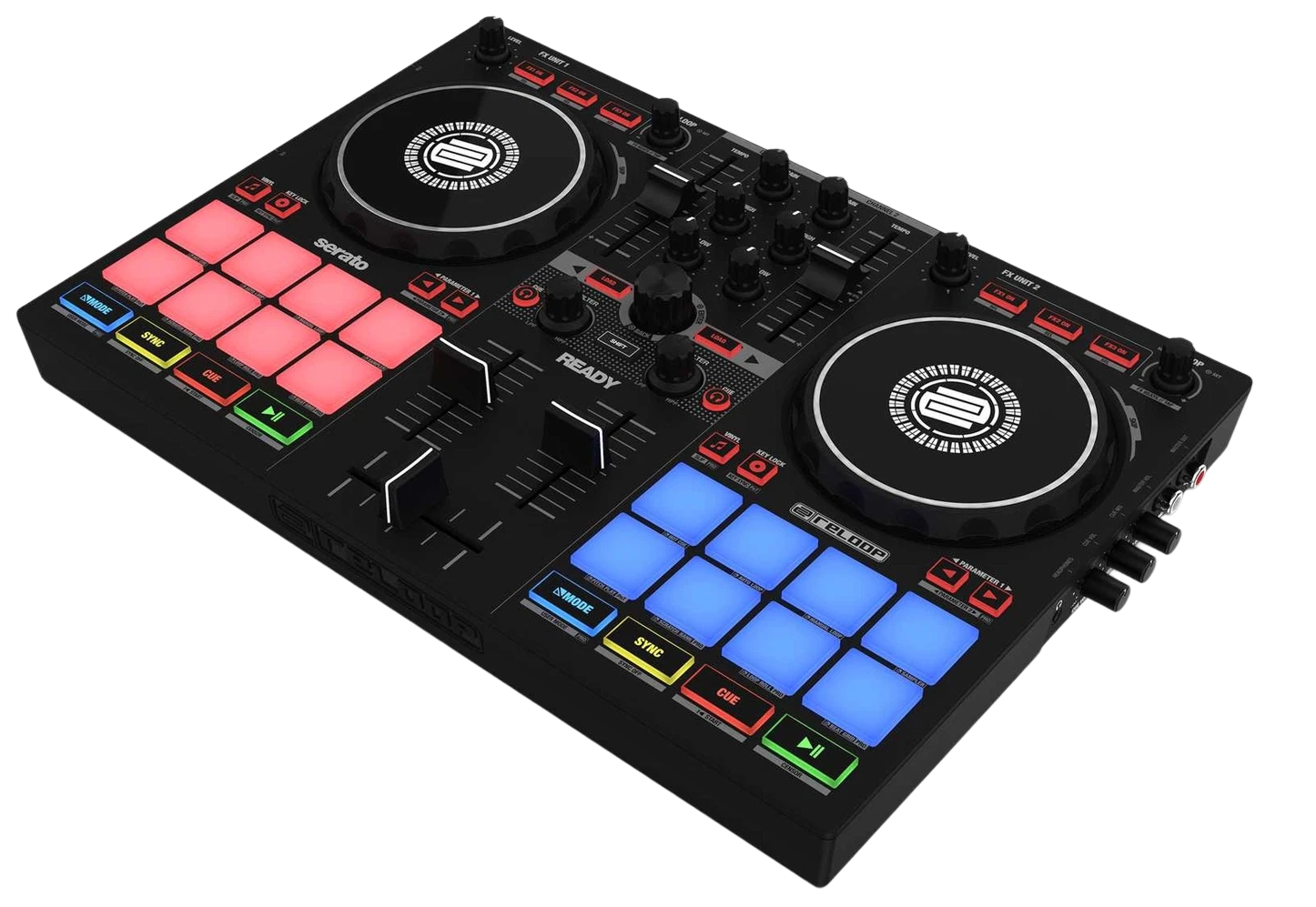
The Reloop Ready is a slim, lightweight two-channel controller for Serato DJ Lite, designed for portability: it's thin enough to slide into a backpack and has a built-in sound card with its own headphone output, so you can practise on the move with just a laptop and headphones. This guide gets you set up and mixing, and shows how to make the most of a compact controller — including the discipline that small gear demands.

  • Set up the Ready and its built-in sound card
  • Mix on a compact layout without losing control
  • Use the pads for cues and loops in tight space
  • Build a practice routine you can do anywhere
Advertisement
Lessons
01

Built to travel

The Reloop Ready answers a specific need: a real DJ controller you can actually take with you. It's slim and light, USB-powered, and — crucially — has a built-in sound card with a dedicated headphone output. That last point matters: many cheap controllers make you cue through the laptop, but the Ready lets you pre-listen properly in headphones while the master plays out, the way real DJing works. It runs Serato DJ Lite and has the essentials done well: two jog wheels, a clean two-channel mixer with EQ and a crossfader, tempo faders, and a row of performance pads. Nothing is oversized, but nothing essential is missing. The trade for portability is size — the controls are close together and the unit is light. This guide leans into that: we'll cover solid mixing, then talk specifically about the habits that make a compact controller feel controlled rather than cramped, so you can practise confidently anywhere from a train table to a friend's kitchen.


02

Setup & headphone cueing

Plug the Ready into your laptop over USB and install Serato DJ Lite. Because the sound card is built in, you connect your master output (to speakers, or just monitor on the laptop) and your headphones directly to the controller. In Serato, the cue/headphone routing is handled by the hardware — so you can listen to the next track in your headphones while the audience hears the current one. Learning to cue is the single most important early skill, and the Ready is set up to teach it. Load a track on deck two, press the cue button for that channel, and you'll hear it only in your headphones. Use that private monitor to find the right start point and beatmatch before bringing the track into the mix. Our How to Beatmatch guide explains the by-ear technique this enables. This proper split between headphone cue and master output is what separates DJing from just playing playlists — and it's why a controller with a real sound card, even a small one, is worth choosing.

03

Mixing on a compact layout

Small controllers demand a slightly lighter touch, and learning that is part of using the Ready well. The faders and EQ knobs are closer together than on a big unit, so deliberate, economical movements beat big swoops. Set your channel trims so both tracks sit at a similar level, then mix with the crossfader and faders smoothly. The core technique is identical to any controller: beatmatch the incoming track, use the three-band EQ to swap bass so the two kicks don't clash, and bring the new track up across a phrase (our Gain Staging & EQ Mixing guide covers the bass-swap move). On compact gear, EQ control is your friend — clean bass management makes even a quick transition sound tidy. Don't fight the size; work with it. A focused, well-practised blend on a small controller sounds every bit as good through the speakers as one on a big unit. The audience hears the mix, not the hardware.

04

A practice routine for anywhere

The Ready's real value is that it removes excuses: if it's in your bag, you can practise in spare twenty-minute windows wherever you are. Build a simple, repeatable routine you can run anywhere — two tracks you know, headphones in, and the goal of one clean transition and a couple of well-placed hot cues each session. Use the pads for hot cues and a loop to keep things creative even in short sessions (our Looping & Hot Cues guide gives you ideas), and rotate the tracks regularly so you're practising the skill of mixing, not memorising one specific blend. Frequent short practice beats occasional long sessions for building muscle memory. When you're ready for a bigger setup at home, everything transfers — our First DJ Setup guide covers the next step. But plenty of working DJs keep a Ready in the bag for exactly this: somewhere to keep their hands sharp between gigs, anywhere they happen to be.

Techniques to practise
Related gear
Advertisement