01
The three paths to DJing
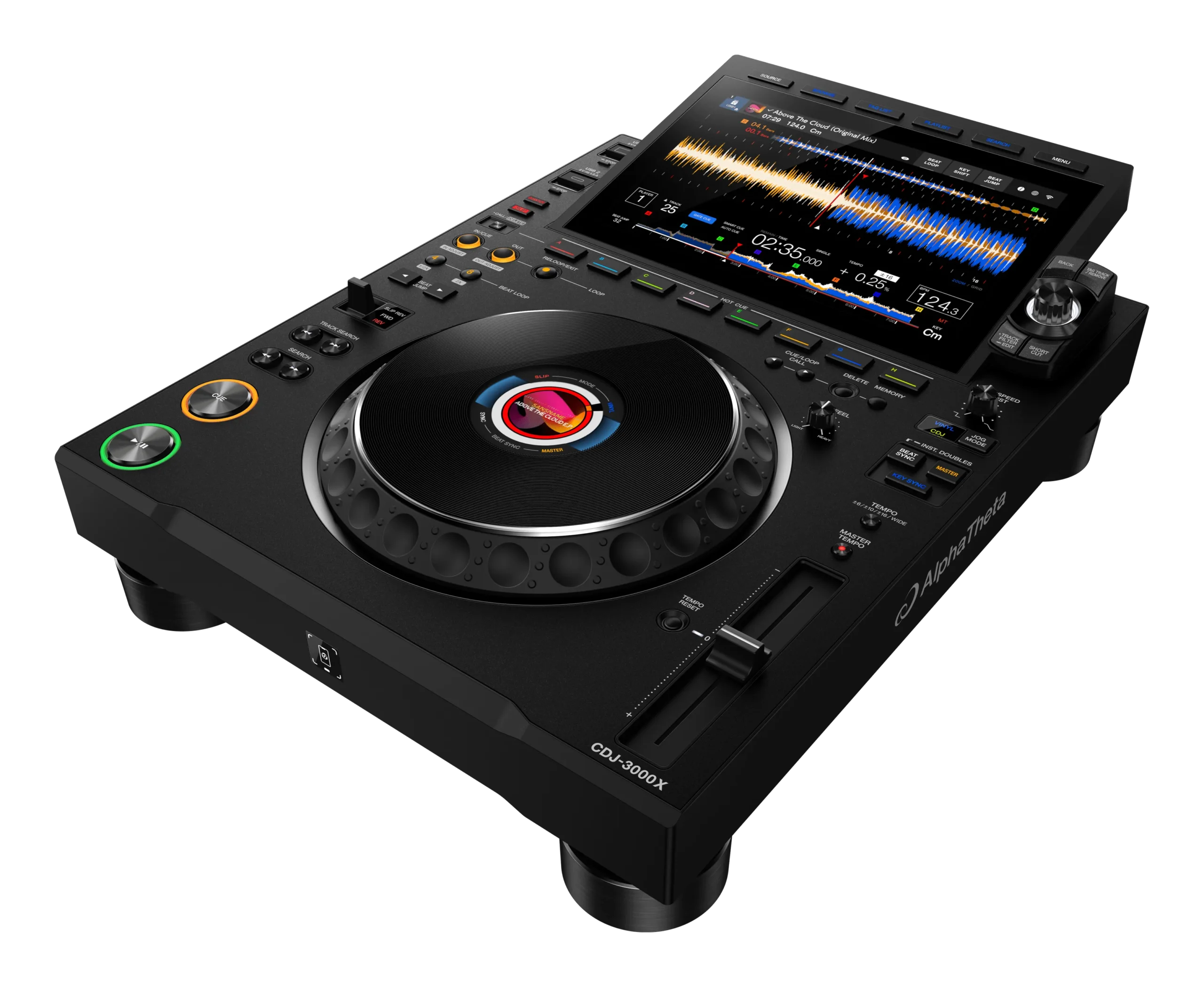
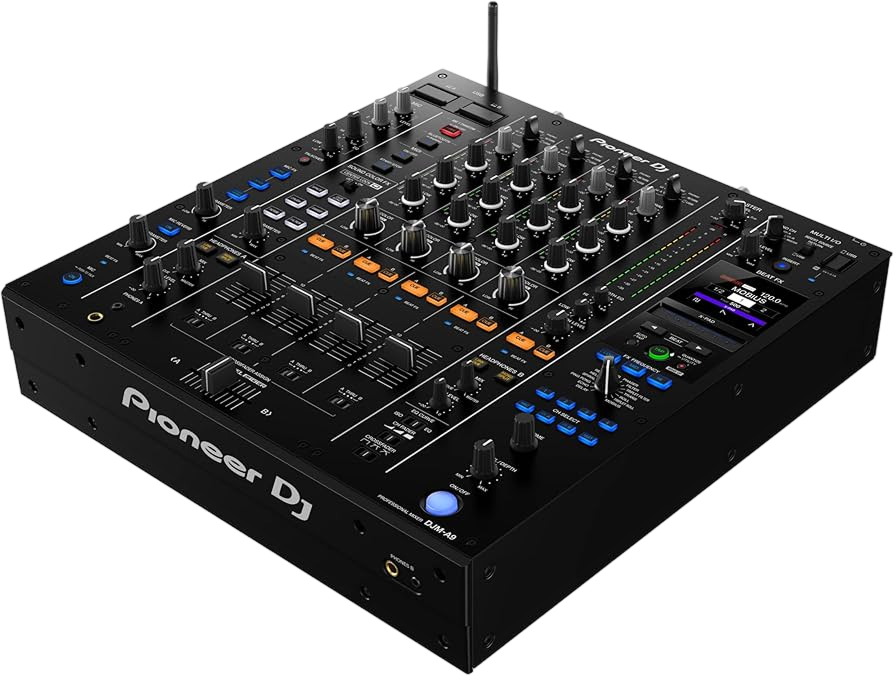
There are three main types of DJ setup, and understanding them clears up most of the confusion. A controller is a piece of hardware that connects to a laptop and controls DJ software — it's the most affordable and beginner-friendly path, and where most people start (think DDJ-FLX4 or Inpulse 500, in our guides). A standalone unit (or all-in-one) has a screen and computer built in, so it plays from a USB stick with no laptop — more expensive, but self-contained and closer to club gear (think XDJ-RX3, Prime 4). CDJs-and-a-mixer is the professional club setup: separate players feeding a separate mixer, the gear installed in venues worldwide, but expensive and overkill for a first purchase.
For almost every beginner, the answer is a controller. It's cheap, it's everything-in-one (jogs, mixer, pads), and crucially, good controllers are laid out like club gear, so the skills transfer when you move up. You learn for a fraction of the cost.
Don't agonise over 'future-proofing' — the fundamentals (covered in our other Techniques guides) are identical on every type of gear, so whatever you learn on, you can play anywhere. Start with what gets you mixing soonest.
02
Choosing your software
If you go the controller route, you'll use DJ software, and the main choices are rekordbox (Pioneer's, the hub of the CDJ world), Serato DJ (a favourite of scratch and open-format DJs), and others like djay Pro, Traktor and VirtualDJ — all covered in our software guides. The good news: it matters less than the internet suggests, because the core skills are the same in all of them.
The simplest approach is to let your controller decide. Most controllers come with a free licence for a specific software (or two) — a DDJ controller usually unlocks rekordbox, a Serato-edition or Rane controller unlocks Serato DJ Pro. Pick a controller, and you'll naturally use whatever it includes, free. That's the cheapest, easiest start.
If you have a preference — say you want to learn the rekordbox/USB workflow because that's what clubs use, or Serato because you want to scratch — choose a controller that matches. But don't overthink it: you can learn to DJ brilliantly on any of the major apps, and switching later isn't hard. Get a controller with a free software licence and start mixing rather than researching forever.
03
Headphones, speakers & the essentials
Beyond the controller and software, you need a few essentials. Headphones are non-negotiable — you cue and beatmatch the next track in them (see our cueing lessons), so get a proper pair of DJ headphones that isolate well, like the Sennheiser HD 25 or Pioneer HDJ-X10 in our guides. Don't use cheap earbuds; isolation matters and protects your hearing.
For sound, you have options. To learn, you can simply use your computer speakers or a basic pair of powered speakers or studio monitors — anything that lets you hear your mix. You don't need a club PA. A small pair of active monitors is a great investment that you'll keep for years. (A laptop, if you're on a controller, is the other essential — most modern laptops are fine.)
That's genuinely it to get started: a controller (with its free software), DJ headphones, and something to play sound through. Everything else — flashy lights, a second controller, expensive cartridges, club-grade monitors — can wait. Resist the urge to buy a pile of accessories before you've even mixed two tracks; the essentials above are all you need to learn every fundamental of DJing.
04
Recommended beginner setups
Here are sensible starting points (gear models change, so think in tiers rather than exact products). On a tight budget, an entry-level 2-channel controller with a free rekordbox or Serato Lite licence, plus a pair of isolating DJ headphones and your existing computer speakers, gets you mixing for the least money — a DDJ-FLX4 (in our guides) is a classic example of this tier. If you want a controller that teaches you, the Hercules Inpulse 500 even has lights that guide your beatmatching.
A step up: a controller with full-size jogs and a four-channel, club-style layout (like the DDJ-1000 in our guides) plus a pair of powered studio monitors. This feels much closer to club gear and grows with you.
If budget allows and you want no laptop, an entry standalone all-in-one (like an XDJ-RX3) gives you a self-contained, club-like unit. For most beginners, though, this is more than you need to start.
Whatever tier you pick, spend the bulk of your money on the controller and decent headphones, and keep speakers modest at first. A focused, simple setup you actually use beats an expensive one that intimidates you — start mixing, and upgrade once you know what you want.
05
What you don't need yet
Just as important as what to buy is what to skip. Beginners routinely waste money on things they don't need, so here's what to avoid at first. You don't need the most expensive gear — a flagship CDJ-and-DJM club setup or a top standalone is overkill and won't make you mix better than an entry controller; the skills are identical. You don't need two controllers, fancy lighting, a mixer 'upgrade', or boutique cartridges before you can even beatmatch.
You also don't need to chase every new release. Gear is marketed relentlessly, and there's always a shinier model, but a three-year-old entry controller teaches you everything a brand-new one does. Buy used to save money — DJ gear holds up well, and a second-hand entry controller is a bargain.
And you don't need a perfect 'studio'. People delay starting until they have the ideal desk, monitors and acoustics — but you can learn every fundamental on a controller, headphones and laptop speakers on a kitchen table. Spend your energy mixing, not shopping.
The honest truth: the cheapest setup that gets you practising daily will make you a far better DJ than the most expensive one you're afraid to touch. Get the essentials, start now, and let your purchases follow your actual needs as you grow.