01
Vinyl feel, digital control
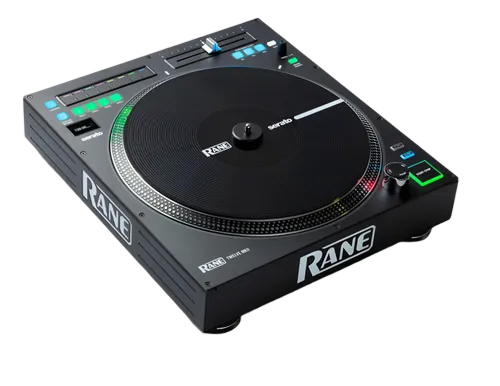
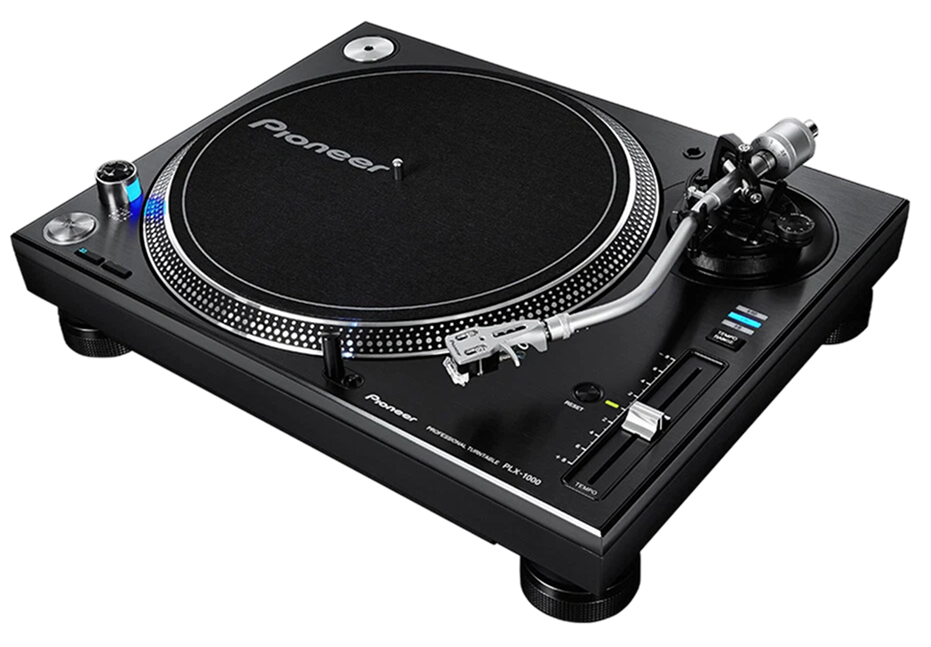
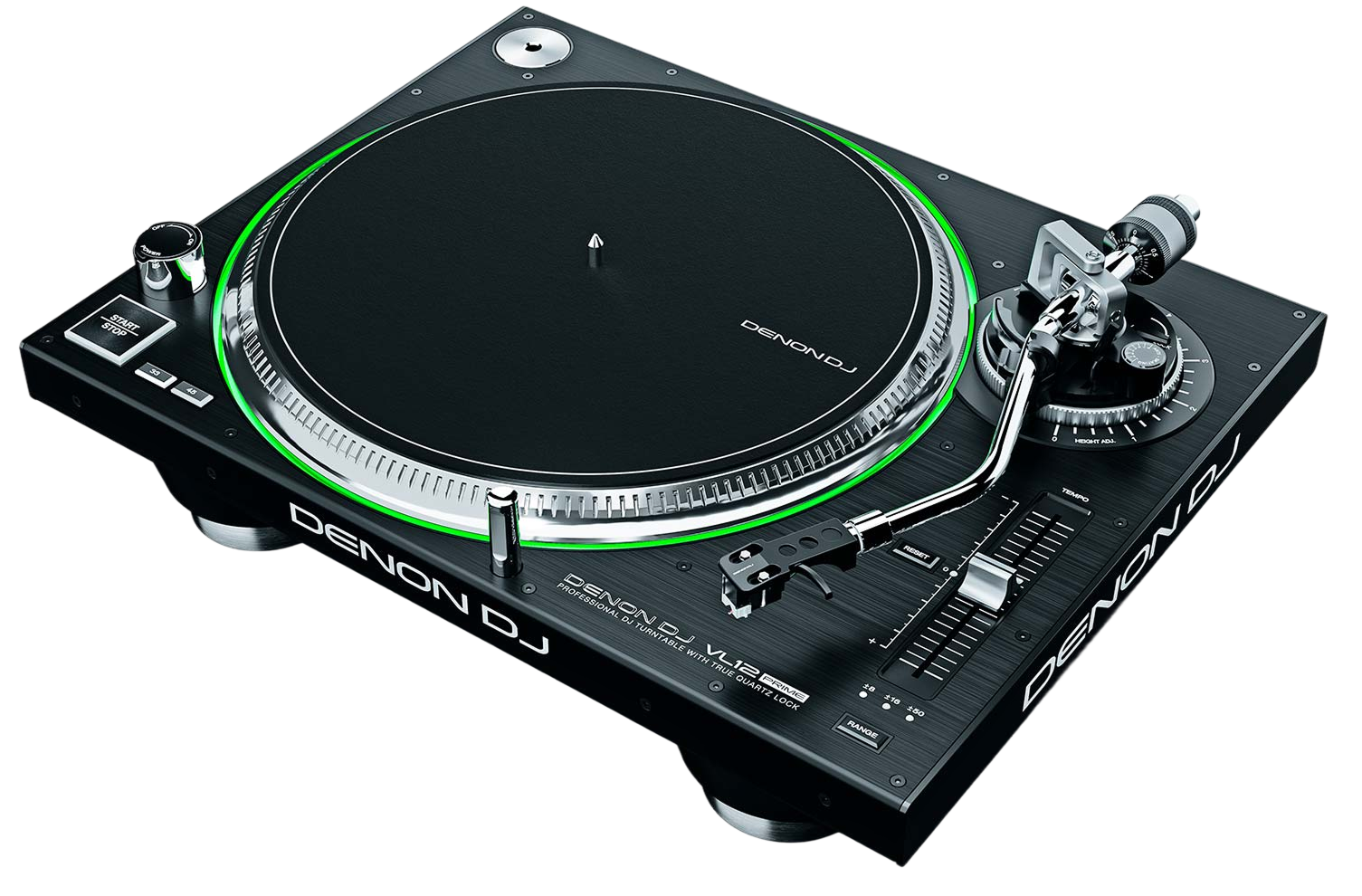
The Rane Twelve looks like a turntable and feels like a turntable, but it's really a controller. The 12-inch platter spins with high-torque direct drive and has a real vinyl record on top — so when you touch it, it responds exactly like the real thing — but there's no tonearm or stylus. Instead, the platter's movement is converted to MIDI and sent to your DJ software, which plays your digital files in perfect sync with your hand.
The payoff is the best of both worlds: the unmatched tactile feel of vinyl for scratching and manipulation, with none of the downsides — no skipping if the venue's bassy, no needing to carry crates, and instant access to your whole digital library. It's aimed at turntablists and scratch DJs who love the feel of records but work from digital files.
It isn't a beginner's first deck, and it isn't an all-in-one — you pair it with a mixer (often a Rane battle mixer) and software. Understanding that role is the first step to using it well.
02
Setting it up with software & a mixer
Because the Twelve is a control surface, not an audio source, the audio lives in your software and your mixer. A typical setup is two Twelves either side of a battle mixer (like the Rane Seventy or Seventy-Two), with the mixer's USB carrying audio to and from your laptop running Serato DJ Pro. The Twelve connects over USB and tells the software where your hand is moving the platter.
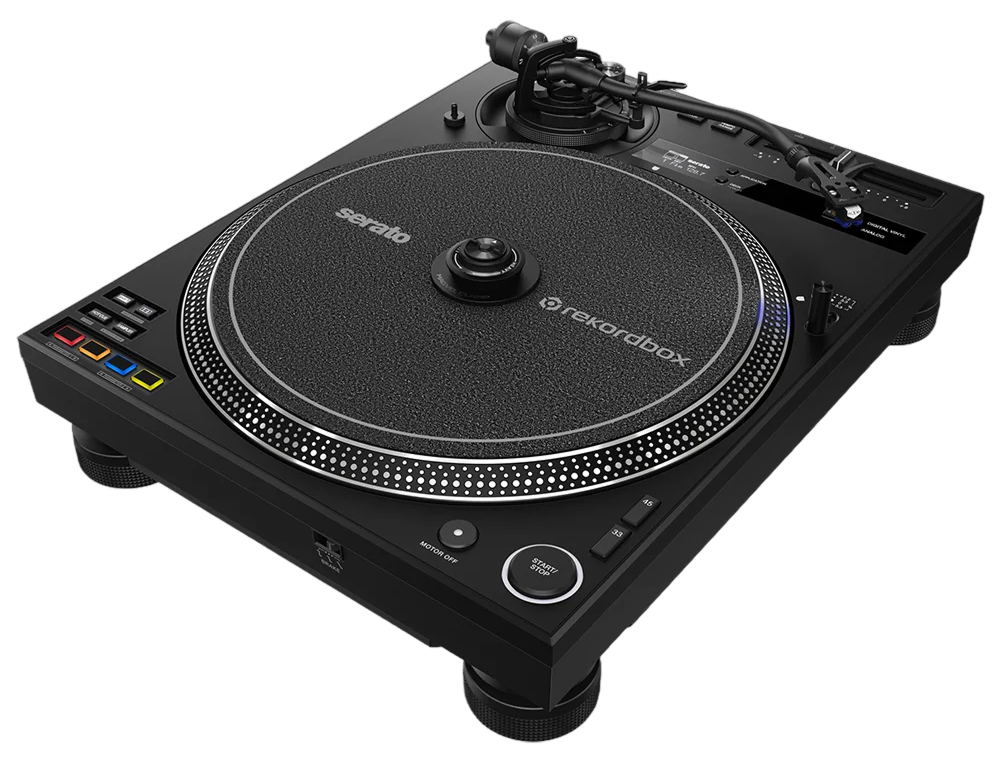
The practical advantage over traditional DVS (timecode vinyl) is that there's no audio signal to calibrate and no noise to creep in — the control is digital and rock-solid, so it never loses tracking even on a loud, vibrating stage.
Map each Twelve to a software deck, confirm the platter moves the track 1:1, and set your mixer levels with healthy gain staging (our Gain Staging & EQ Mixing guide helps). Once the platter is driving the deck cleanly, the Twelve simply disappears into being 'a turntable' — which is the whole point.
03
Torque, pitch & reverse
The Twelve lets you tune how the platter behaves, and getting this right is what makes it feel like an extension of your hands. Adjustable torque sets how strongly the motor pulls the platter back up to speed after you touch it: high torque gives that snappy, aggressive turntablist response; lower torque gives a looser, more gradual feel some DJs prefer for long blends.
The pitch fader works like a turntable's, letting you nudge and set the track's speed, with selectable ranges from subtle to wide. There's also a reverse control, so you can flip playback direction instantly — useful for both scratch tricks and creative transitions.
Spend a session just feeling these out with a track you know. Push the torque up and do some cuts; pull it down and try a long manual blend. There's no single 'correct' setting — it's a personal instrument, and dialling it to your hands is part of mastering it. Our Scratching for Beginners guide pairs well with this once the feel is set.
04
Scratching & beat juggling
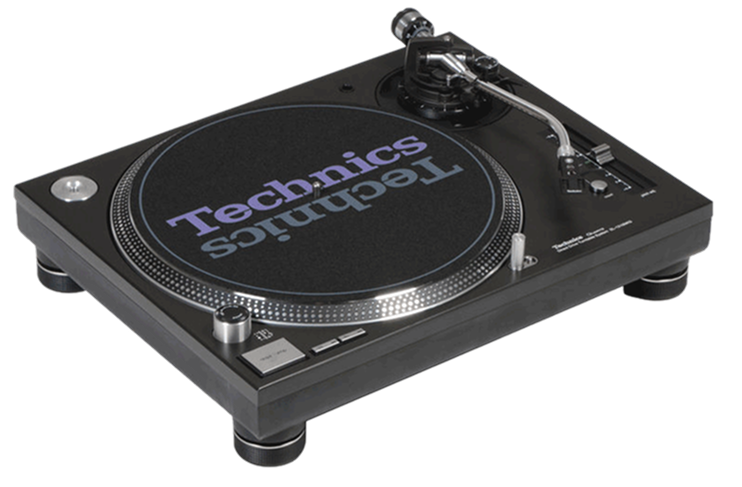
This is where the Twelve justifies itself. Because the platter is a genuine high-torque motor with vinyl on top, every scratch technique you'd do on a Technics works here — baby scratches, chirps, transformers, flares — but with your full digital library and the safety of no skipping. Pair the platter movements with your mixer's crossfader for the cut, and you have a complete scratch setup.
Beat juggling — looping and rearranging a break by hand across two decks — also benefits, because the instant, consistent response makes the manipulations tight. And since you're working from digital files, you can scratch a sample loaded onto a deck just as easily as a classic break.
Start slow with single techniques and a metronomic loop, then combine them. Our Scratching for Beginners guide breaks down the basic motions step by step; the Twelve gives you the ideal surface to learn them on, because the feel is identical to the turntables those techniques were invented on — only more forgiving in a live room.
05
Precise vinyl-style mixing
Beyond scratching, the Twelve is a superb tool for hands-on, vinyl-style mixing of digital tracks. Beatmatching by feeling the platter — nudging it to align two beats, riding the pitch — builds the kind of deep timing instinct that pure sync-button DJing never does. Our How to Beatmatch guide explains the technique; the Twelve lets you practise it with authentic turntable feedback.
The motorised platter and instant response make cueing precise: you can find the exact downbeat, hold it, and release it perfectly on the one. That accuracy makes for tight, musical transitions, especially when combined with a battle mixer's sharp crossfader curve.
Many DJs choose the Twelve precisely because it forces good hands-on habits while removing the practical headaches of carrying and maintaining vinyl. If you want the discipline and feel of records with the convenience of digital, this is the bridge — and the skills you build on it are the most transferable in all of DJing.