01
What the PLX-CRSS12 is & how to set it up
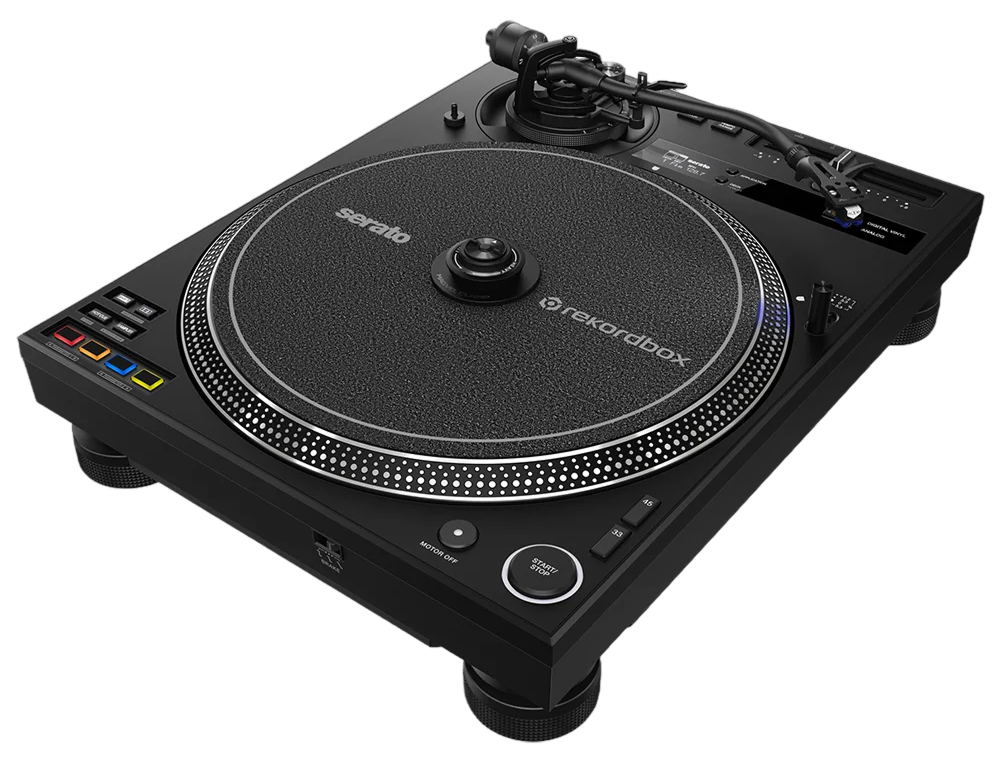
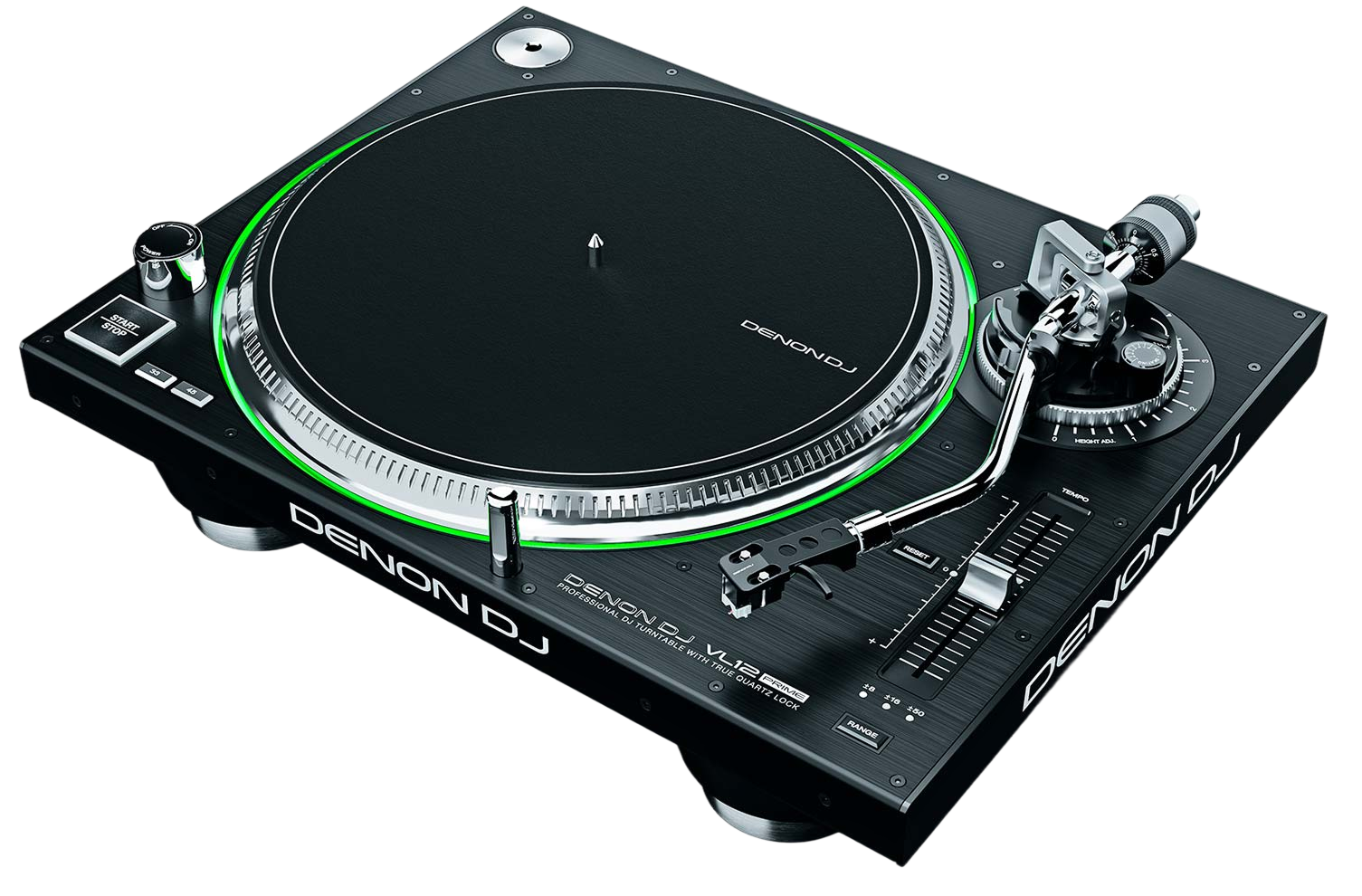
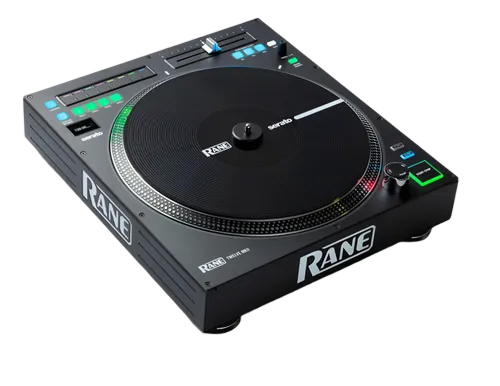
The PLX-CRSS12 is a professional direct-drive turntable — the kind of high-torque deck scratch DJs trust — but with a modern trick built in. As well as playing ordinary records, it can control digital music files (DVS), and its headline feature, the Magvel Clamp, lets you scratch those digital tracks with the genuine feel of vinyl but no tone arm and no needle to skip.
Think of it as two instruments in one. In classic mode it's a turntable: you mount the platter and slipmat, fit the cartridge to the tone arm, and play vinyl. In its signature mode you skip the tone arm entirely and let the Magvel Clamp drive a digital track from software like rekordbox or Serato.
Setting up the deck means assembling the platter, balancing the tone arm (we'll cover that next), and connecting it to a DJ mixer with a phono input. If you're going digital, you'll also connect it to a computer running DVS-capable software. Get the physical setup right first — a turntable rewards careful assembly — and the playing comes easy.
02
Turntable basics: tonearm, weight & playing vinyl
If you're new to turntables, the tone arm setup is the part that feels like a dark art — but it's just three steps. First, balance: with the cartridge fitted and the arm free, turn the rear counterweight until the arm floats level on its own. Second, tracking force: set the weight dial to zero at that balance point, then dial in the downforce your cartridge recommends (commonly around 3 grams for DJ carts) so the needle sits firmly in the groove and won't skip. Third, anti-skate: set it to roughly the same number as your tracking force to stop the arm drifting inward. Done once, it stays.
Playing vinyl is hands-on. Drop the needle, and use the pitch fader on the side to nudge the record's speed so it matches another track — that's beatmatching, by ear and by feel. The start/stop button brings the high-torque motor up to speed almost instantly. To cue, hold the record still on the slipmat at the first beat, then release in time with the other track. This tactile control — your hand on the platter — is exactly what makes turntablism feel alive, and it's the foundation for everything digital the deck can do.
03
DVS, demystified
DVS stands for Digital Vinyl System, and it's simpler than it sounds. Instead of music being pressed into a record, you play a special 'control' record (or use the deck's tone-arm-free mode) whose signal tells software like rekordbox or Serato exactly how fast and which way the platter is moving. The software then plays your digital track in perfect step — so you scratch, cue and spin a file on your laptop using a real turntable. You get the entire feel of vinyl with an unlimited digital library.
The classic way to do DVS is with the tone arm and a control record: you drop the needle and the software follows. The PLX-CRSS12 supports that fully, but it also adds a tone-arm-free path (the Magvel Clamp, coming next) that removes the biggest headache of DVS — needle skips when you scratch hard. To run DVS you connect the turntable to your computer (through a compatible mixer or interface), pick the deck in your software, and calibrate so it reads the signal cleanly. Once it's tracking, the digital track behaves exactly like a record under your hand.
04
The Magvel Clamp: scratch digital, no needle
This is the reason the PLX-CRSS12 exists. The Magvel Clamp is a magnetic clamp that sits on the spindle. When you touch the record, the clamp engages and lets you control the digital file directly — so you can scratch, baby-scratch and spin with the true weight and feel of vinyl, but with no tone arm in the way and, crucially, no needle to jump. For scratch DJs this is huge: the number-one frustration of DVS has always been the needle skipping out of the groove when you scratch aggressively, and this design removes it entirely (AlphaTheta calls the tracking system DVS Tracking Play).
There's a dial on top of the clamp that quickly adjusts the record's 'weight' — how much resistance you feel — so you can tune the platter to your style. And you can choose the motor's torque: 'High' for an instant, snappy startup when you hit play, 'Low' for the traditional, slower torque many turntablists grew up on, and 'Mid' for a balance. Set the weight and torque to taste, and you have a digital scratch instrument that feels like the best record you've ever owned — without ever flipping a record or worrying about a skip.
05
Scratch fundamentals & the crossfader
Now let's actually scratch. Every scratch is built from one move: the baby scratch — pushing the record forward and pulling it back in a steady rhythm while the sound plays. Start there. Find a sound with a sharp start (a vocal stab or a drum hit is perfect), and rock it forward-and-back in time with a beat until it feels natural. That's the root of everything.
The crossfader is what turns motion into music. On a battle mixer the crossfader is set to a sharp 'cut' curve, so a tiny movement fully opens or closes the sound. Combine the fader with the record: a 'forward' scratch is the sound pushed out with the fader open; a 'cut' chops the sound off mid-scratch by closing the fader. Once the baby scratch and the cut feel comfortable, you can layer them into the classic patterns — the chirp, the transformer, the flare — each just a specific dance between your scratching hand and the fader hand.
Because the PLX-CRSS12 gives you adjustable weight and torque with no needle to skip, it's a forgiving place to learn: crank the torque to High, set a comfortable weight, and drill the baby scratch slowly. Speed and flair come with reps — the foundation is rhythm and a clean cut.
06
Workflow, software & looking after your deck
To get the most from the digital side, set your software up properly. In rekordbox or Serato, enable DVS, select the PLX-CRSS12 as your deck, and run the calibration — it measures the control signal so tracking is tight; if scratches feel laggy or jumpy, recalibrate and check your connections and levels first. Save your cue points and loops in the software so they're ready under your hand, and you get the best of both worlds: vinyl feel, digital convenience.
A turntable is a precision instrument, so a little care keeps it sharp. Keep the platter and slipmat clean, store it level and away from vibration, and if you're using the tone arm, treat the cartridge and stylus gently — a worn stylus is the most common cause of poor tracking and skips. The direct-drive motor is robust and needs no belt, but keep the deck on a stable, isolated surface so footsteps and bass don't reach the platter.
From here, your path is simple: drill the baby scratch and the cut every day, learn one new pattern a week, and record yourself so you can hear your timing tighten. The PLX-CRSS12 has removed every technical excuse — what's left is practice, and that's the fun part.