01
What the PLX-1000 is
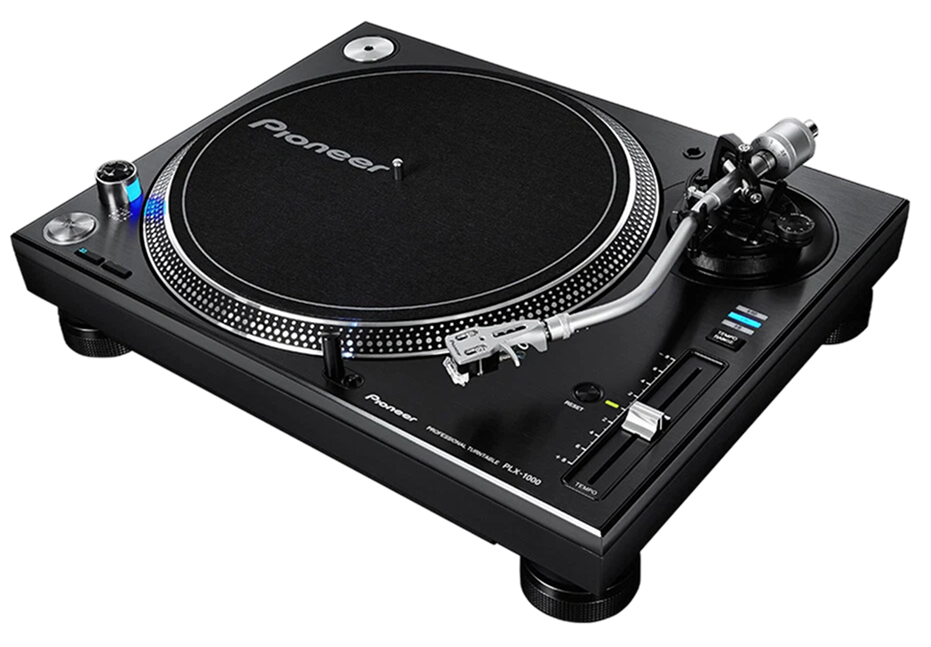
The PLX-1000 is Pioneer DJ's professional direct-drive turntable, designed as a modern alternative to the iconic Technics SL-1200. Direct drive means the platter sits right on the motor, giving instant, consistent speed and high torque — the qualities that let DJs cue, beatmatch and scratch without the platter slowing down (belt-driven turntables can't take that abuse). It's a heavy, road-ready deck built for serious use, whether spinning records at home or installed in a club.
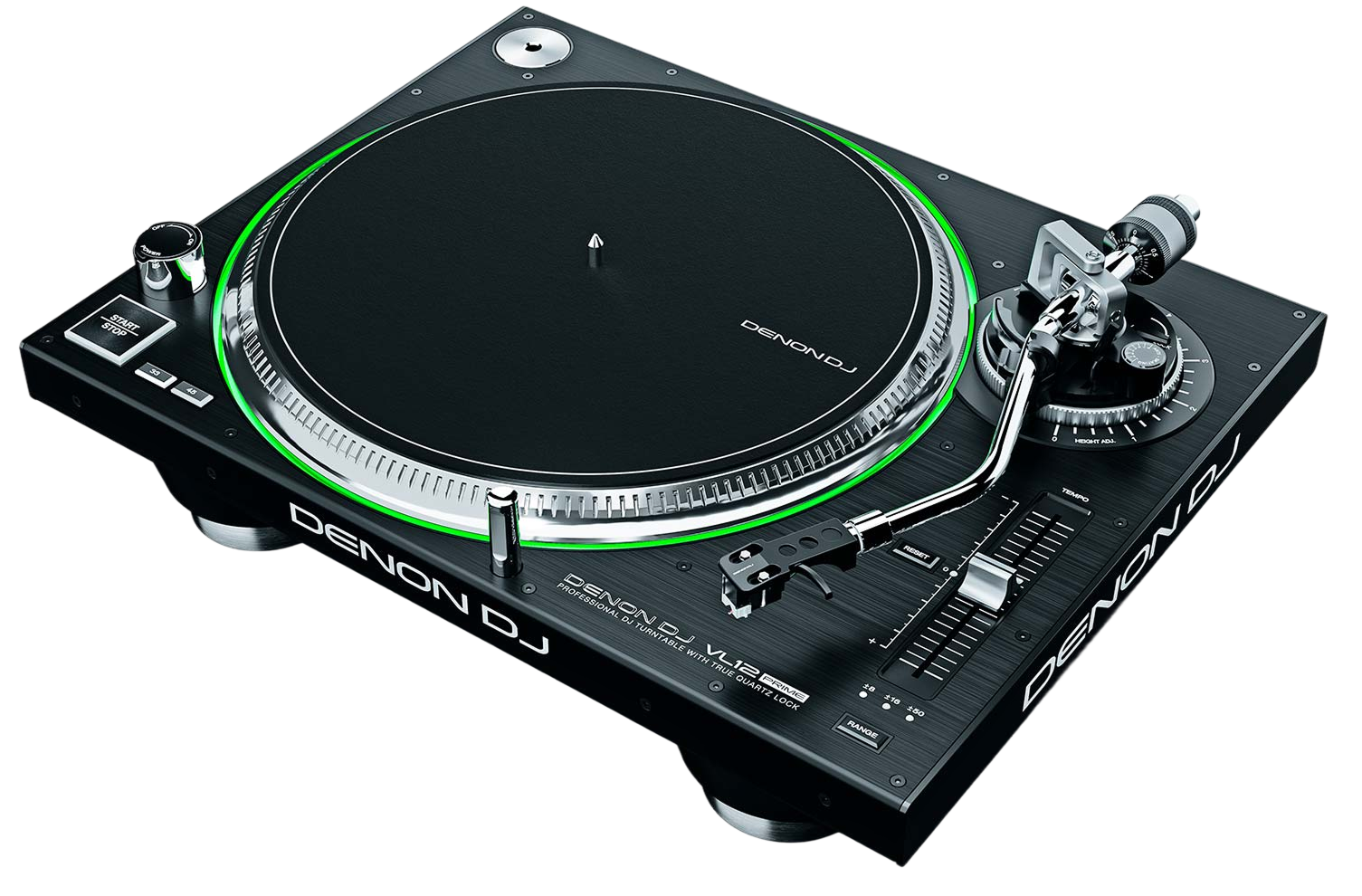
Familiar in layout to anyone who's used a classic turntable, it has a heavy platter, a tonearm with full adjustment, a side-mounted pitch fader, and a high-torque start/stop. A nice modern touch is a removable cable system on the back, making it easy to transport and service.
Like any turntable, it plays actual vinyl and also serves as a controller for DVS (digital files via a timecode control record). It gives you that unbeatable vinyl feel with the option of a digital library. This guide walks through setting it up, playing vinyl, and going digital — and our Scratching and How to Beatmatch guides cover the techniques in depth.
02
Setup: platter, cartridge & tonearm
Setting up the PLX-1000 follows the same careful steps as any pro turntable. Place the heavy platter onto the spindle and add a slipmat (DJs use a slipmat, not the rubber mat, so the record can be held and moved by hand). Mount your cartridge — the part holding the stylus (needle) — to the end of the tonearm; a robust DJ cartridge is best for cueing and scratching.
Then balance the tonearm in three moves. One: with the cartridge fitted and the arm free, turn the rear counterweight until the arm floats level on its own. Two: set tracking force — zero the dial at balance, then dial in the downforce your cartridge recommends (often around 3–4 grams for DJ use) so the needle sits firmly and won't skip. Three: set anti-skate roughly equal to the tracking force to stop the arm drifting inward.
Done once, it holds. A correctly balanced tonearm tracks the record cleanly even as you cue and nudge it, which is the difference between a deck that skips frustratingly and one that feels rock-solid. The PLX-1000's heavy, stable build makes it especially forgiving once set up properly.
03
Playing vinyl & the pitch fader
Playing vinyl on the PLX-1000 is tactile and satisfying. The high-torque motor brings the platter up to speed almost instantly when you hit start/stop. To cue a record, hold it still on the slipmat at the first beat while the platter spins underneath, then release it in time with the other track so it launches on the beat — a feel you build with practice.
The pitch fader on the side adjusts the platter's speed by a percentage, and it's how you beatmatch: nudge it to make the record play a touch faster or slower until its tempo matches the other deck, then use small touches on the record or platter edge to push the beats into alignment. There's no Sync button on a turntable — it's pure ears and hands, which is exactly why vinyl builds such a strong sense of timing. Our How to Beatmatch guide teaches the listening skill in full, and the PLX-1000 is a superb, stable deck to develop it on.
The PLX-1000 is also a fine platform for scratching, with the torque and grip the technique demands — our Scratching for Beginners guide will get you started, and this deck won't let you down as you practise.
04
Using the PLX-1000 for DVS
Like any pro turntable, the PLX-1000 doubles as a DVS controller, so you can have the genuine feel of vinyl with an unlimited digital collection. Instead of a music record, you play a timecode control record; software like Serato or rekordbox reads its signal and plays your chosen digital track in perfect step — so you scratch, cue and spin a file on your laptop using the real platter.
To set it up, connect the PLX-1000 to a DVS-capable interface, or to a mixer with a built-in sound card such as the DJM-900NXS2 (see our guide), then to your computer. Drop the control record on, select the deck in your software, and calibrate so it tracks cleanly. From then on, the digital track behaves exactly like a record under your hand.
DVS is why turntables remain relevant in a digital age: you keep the irreplaceable feel and torque of a real deck while gaining the convenience of digital files, cues and loops. The PLX-1000's solid build and high torque make it a dependable DVS platform — equally at home spinning a rare record or controlling your entire laptop library.
05
Care & choosing your deck
A turntable rewards a little care. The stylus (needle) is the main wear part — a worn stylus causes poor tracking, skipping and even record damage, so replace it periodically and handle it gently. Keep the platter, slipmat and your records clean, since groove dust degrades sound and wears the needle faster. Place the deck on a stable, solid surface away from the speakers so bass and vibration don't reach the platter and cause skips. The direct-drive motor needs no belt and very little upkeep, which is exactly why these decks are trusted for heavy, nightly use.
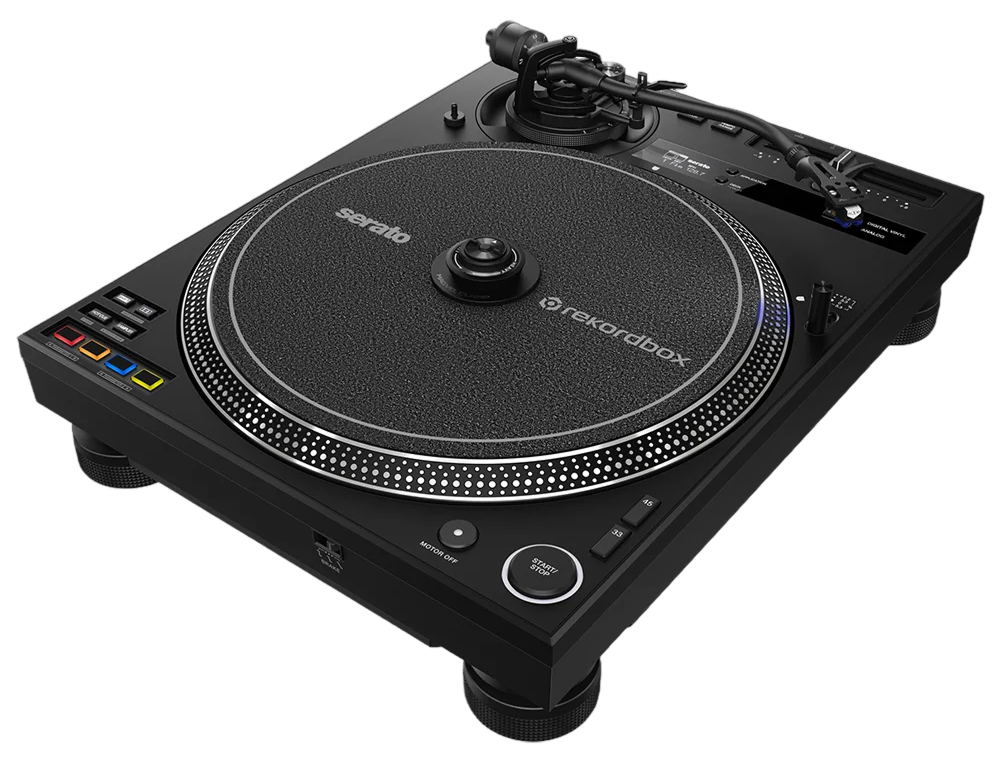
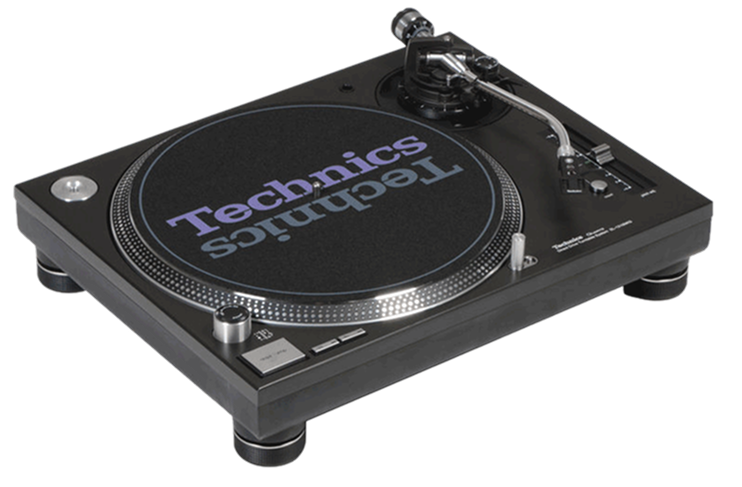
How does it compare? The PLX-1000 is Pioneer's straightforward, high-quality direct-drive turntable, often cross-shopped with the Technics SL-1200 (the original icon — see our guide); both are excellent, road-ready decks and the choice often comes down to feel and budget. The AlphaTheta PLX-CRSS12 (also in our guides) is a more advanced hybrid, adding the Magvel Clamp for tone-arm-free digital scratching.
For a DJ who wants a solid, professional turntable for vinyl and DVS without paying for extra hybrid features, the PLX-1000 is a dependable, classic choice. Pair it with our Beatmatch and Scratching guides, and it'll serve you for years.