01
What the DJM-S11 is
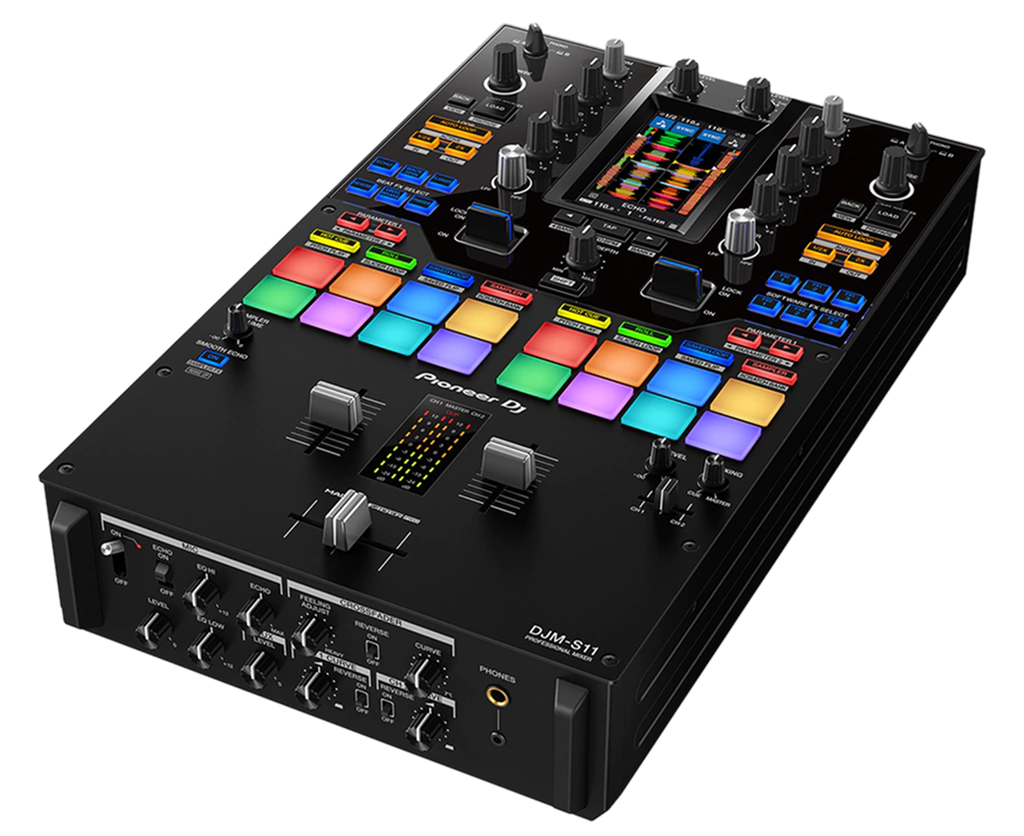
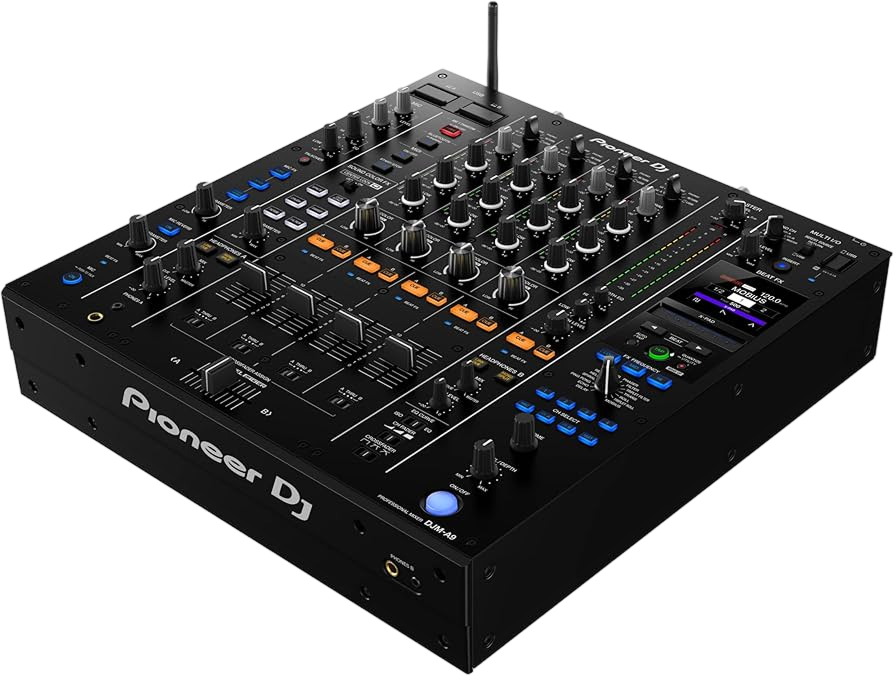
The DJM-S11 is a two-channel battle mixer — a mixer built specifically for scratch DJs and open-format performers, as opposed to the four-channel club mixers (like the DJM-A9) used for long blends. Battle mixers have a distinctive layout optimised for fast hands: two channels, a heavy emphasis on the crossfader, FX paddles for slamming effects in and out, and performance pads up top — and the S11 is the flagship of the breed, loaded with features.
It's designed around Serato DJ Pro and rekordbox, and it has a built-in sound card so you connect turntables or players and a laptop and you're ready for DVS. The standout hardware is the Magvel Fader Pro crossfader — famed for being smooth, light and durable enough for the most demanding scratching — plus FX paddles, a full-colour touchscreen, deep pad sections, and modern features like Stems and creative effects.
If you want to scratch, juggle and perform open-format with the best tools available, the S11 is the dream machine. This guide covers its crossfader, channels, effects and scratch features — and our Scratching for Beginners guide covers the technique itself.
02
The Magvel Fader Pro & the cut
On a battle mixer, the crossfader is the most important control, and the DJM-S11's Magvel Fader Pro is the best there is — light, smooth, contactless (so it lasts through millions of moves) and tunable to your exact preference. Understanding it is the key to scratching and cutting.
Two settings define its feel. The curve sets how sharply the sound switches: a gradual curve fades slowly across the travel (for blends), while a sharp 'cut' curve makes the sound fully on or off with the tiniest movement at each edge — that's what scratch DJs use, because a flick of the fader chops the sound instantly. The S11 also lets you adjust the fader's tension and the 'cut-in' point (how far you move before the sound comes on), so you can dial it to your hand.
The core move is the cut: while a turntable or player moves a sound, you chop it on and off with the fader in rhythm. Combined with moving the record, that's the basis of every scratch — the forward, the chirp, the transformer, the flare (all covered in our Scratching for Beginners guide). The S11's fader is so responsive that it makes learning these moves as easy as the hardware can possibly make it.
03
Channels, EQ & the isolator
Even a battle mixer needs clean mixing, and the DJM-S11's two channels have the essentials: a trim (gain) per channel, a three-band EQ, a cue button and a channel fader, plus the crossfader. Set your levels with the trim so both tracks are equally loud (clean gain staging), and use the EQ to blend — the bass swap (kill the incoming track's LOW, layer it in, then swap the bass over) works exactly the same here as on any mixer. Our Gain Staging & EQ Mixing guide covers this fully.
The S11's EQ can act as an isolator — meaning each band can fully cut (kill) its frequencies — which is great both for clean bass swaps and for creative, dramatic drops where you slam the bass back in. Open-format DJs use these full kills constantly to switch energy between tracks.
While the S11 is built for scratching, plenty of open-format and hip-hop DJs use it for regular mixing between tracks too, and it does that beautifully. The channel faders are also assignable and tunable like the crossfader, so you can perform fader cuts on the up-faders as well — a technique scratch DJs use for certain patterns.
04
FX paddles & the touchscreen
The FX paddles are a battle-mixer signature, and the S11 has them: instead of buttons, you flick a paddle to throw an effect in and pull it back to kill it instantly. This makes the quick, rhythmic effect stabs that punctuate an open-format set effortless — a burst of echo on a snare, a reverb wash before a drop, an instant filter. One paddle is often momentary (effect only while held) and one latching, giving you both quick hits and sustained effects.
The S11's full-colour touchscreen sets it apart from older battle mixers. It shows your effects, your pad modes and settings, and lets you control them by touch — turning the mixer into a more visual, flexible instrument. You can see exactly what's armed and adjust on the fly.
The effects themselves are tempo-aware, so echoes and reverbs land in time. As always, the rule is restraint — a battle set is exciting because of well-placed, rhythmic effect stabs, not a constant wash. Our Filters & FX guide covers tasteful effect use. On the S11, the paddles make effects feel like a percussion instrument you play with quick flicks — learn a couple of go-to moves and use them to accent the music.
05
Pads, Stems & scratch features
The DJM-S11 packs performance features usually found on controllers. Its performance pads handle Hot Cues, loops, rolls and more, controlling your Serato or rekordbox library straight from the mixer. A standout is Scratch-focused tools: features like a Scratch Bank (load samples to scratch over your tracks) and DVS-friendly design make it a turntablist's playground.
It also has Stems — real-time track separation — so you can isolate or mute a track's vocal, drums or instruments live for instant a cappellas and mashups, a powerful creative tool in an open-format set. There are 'Smart' features too (assistive tools for fades and effects) for when a mobile gig gets hectic.
These deep features are what justify the S11's flagship status: it's not just a crossfader and two channels, it's a full creative performance station for scratch and open-format DJs. But the same discipline applies — master the fundamentals (the cut, clean mixing, a couple of effect moves) first, then layer in Stems and pad tricks with taste. Our Scratching, Looping & Hot Cues and Filters & FX guides cover the techniques; the S11 gives you the best hardware to perform them on.
06
Who the DJM-S11 is for
The DJM-S11 is for DJs serious about scratching and open-format performance — turntablists, battle DJs, hip-hop and party DJs who want the very best two-channel scratch mixer. If your style is long, blended four-channel club mixing, a DJM-A9 (in our guides) suits you better; if it's cutting, juggling, scratching and energetic open-format sets, the S11 is the flagship choice.
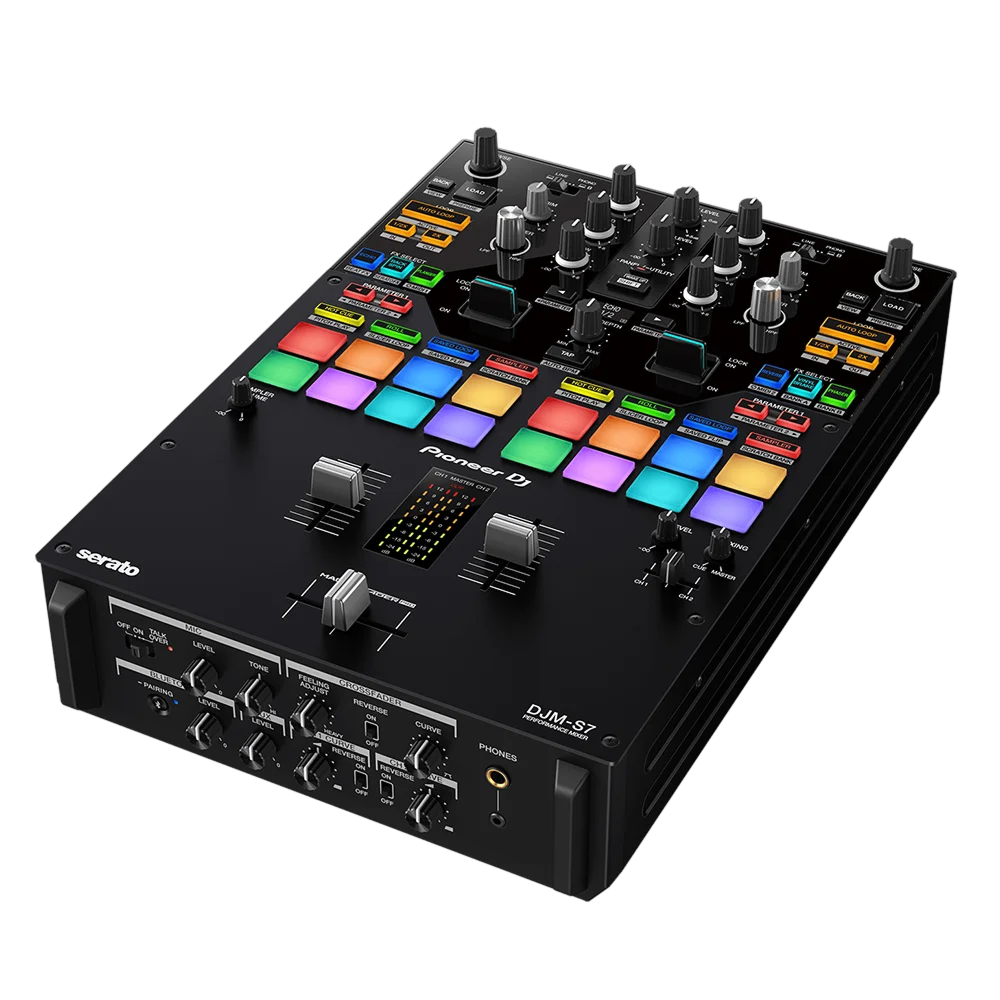
Pioneer's DJM-S range has tiers (covered in their own guides): the DJM-S5 and DJM-S7 are more affordable two-channel battle mixers with many of the same ideas — FX paddles, the Magvel-style fader, pads — while the S11 is the top model, adding the touchscreen, the finest fader, deeper effects and Stems. If you're starting in scratching, an S5 or S7 is a great entry; the S11 is the no-compromise option.
Whatever tier you choose, the skills are the same — and they're deep, because scratching is one of the most rewarding crafts in DJing. Pair the S11 with our Scratching for Beginners guide and the rest of our Techniques section, and you have the ultimate hardware to develop into a genuinely skilled turntablist and open-format performer.