01
What Engine DJ is
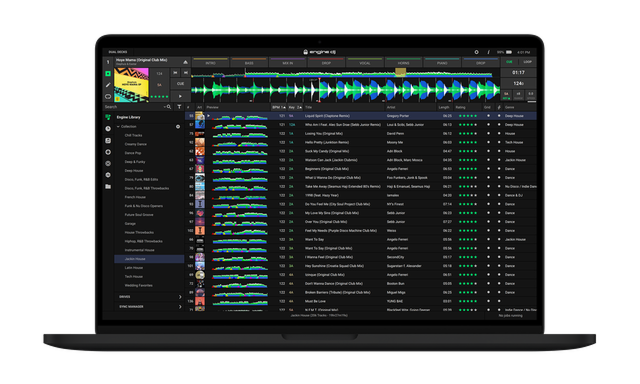
Engine DJ is Denon DJ's software ecosystem — the equivalent of Pioneer's rekordbox for the Denon world. It's the desktop application where you organise, analyse and prepare your music, and it's the system that runs on Denon's standalone gear (the SC6000 players, Prime 4, SC Live units and more, all in our guides). So even though Denon's hardware plays without a laptop, Engine DJ is where the preparation happens.
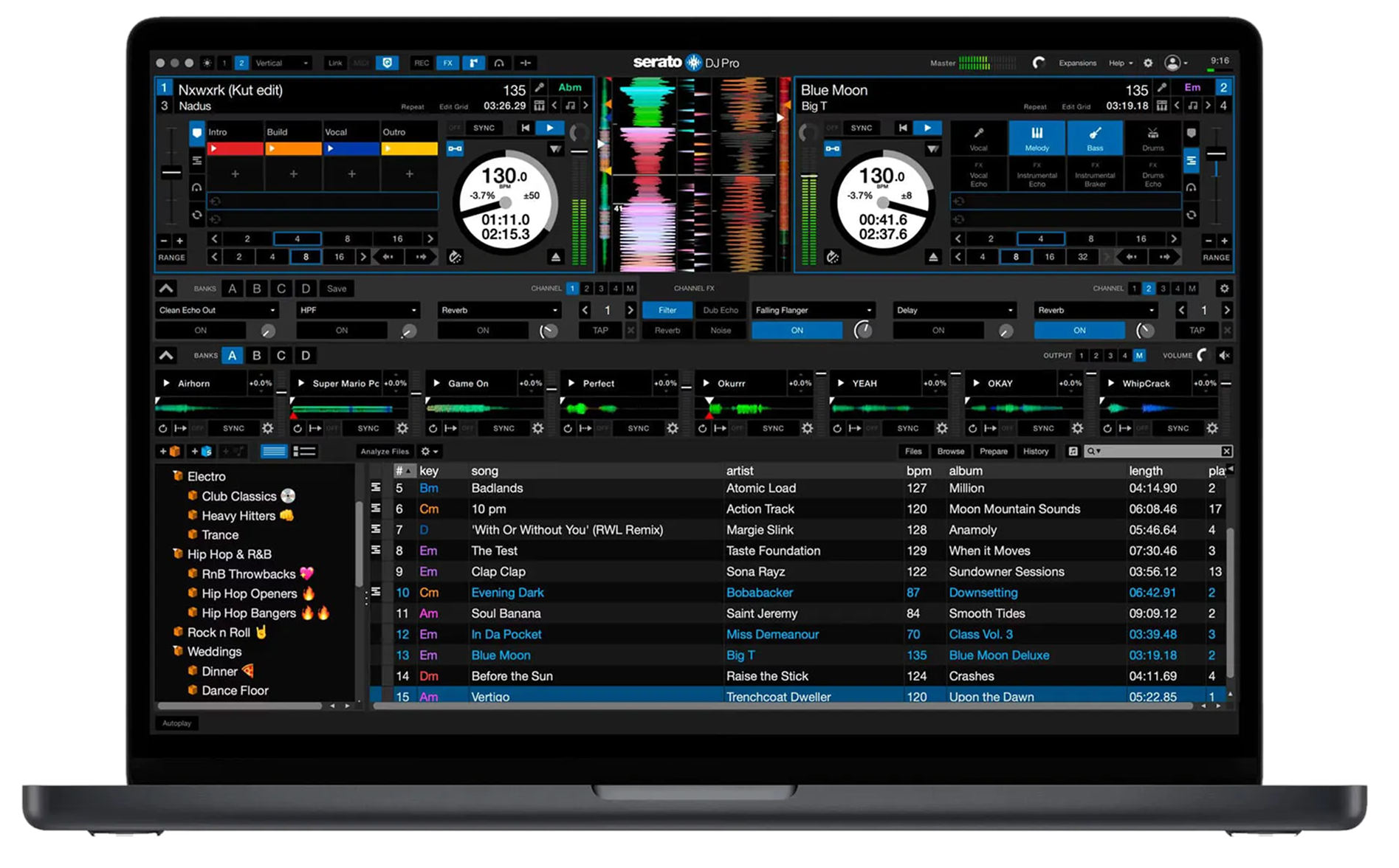
A standout feature for newcomers to Denon: Engine DJ can import your existing Serato and rekordbox libraries, bringing across your tracks, cues, loops and playlists, so you don't have to start from scratch if you're switching from another ecosystem. That's a big deal and removes a major barrier to trying Denon gear.
Like rekordbox, the core idea is: prepare on the computer in Engine DJ (analyse, organise, cue), then take it to your standalone unit on a drive (or via networking/streaming) and perform with no laptop. This guide walks through that workflow — importing and analysing, cueing, exporting and the extras — so you can get the most out of any Denon standalone setup. The universal DJ skills in our Techniques section apply throughout.
02
Importing & analysing your music
Start by getting your music into Engine DJ. You import your files and the software builds a library you organise, analysing each track to detect BPM, build a beat-grid and detect key — the essential step that makes sync, quantize, key mixing and the waveforms work. Always analyse before a gig.
Engine DJ's killer convenience is library importing from other software: if you're coming from Serato or rekordbox, Engine can bring in your existing library — crates/playlists, hot cues, loops and metadata — so years of preparation carry over. This makes switching to (or trying) Denon gear far less painful than starting fresh, and it's a genuine selling point of the Denon ecosystem.
Organise into playlists by purpose (warm-up, peak, by genre or energy) just as in any DJ software, so the right track is easy to find live (our Organize Your DJ Library guide goes deep on this). Make sure your files are good quality and tagged. With your music imported, analysed and organised in Engine DJ, you've built the foundation that everything on your Denon standalone unit relies on.
03
Cues, loops & the grid
In Engine DJ you set your performance markers ahead of time so they're ready on the hardware. Set hot cues on the key moments of your tracks — the intro's first beat, the drop, a vocal — and they save with the track, appearing on your standalone unit's pads ready to launch (see our Looping & Hot Cues guide). Save loops the same way. Doing this prep at home means you never fumble in the booth.
The most important prep job, as in any software, is checking the beat-grid. Engine's automatic analysis is usually accurate, but some tracks — older songs, live drums, tempo changes — can have a grid that's slightly off, which throws off sync and looping. Learn to spot a wrong grid (the markers don't line up with the kicks) and fix it with Engine's grid-editing tools.
This preparation is invisible to the crowd but felt in every smooth transition. Cues set, loops saved, grids checked — that's a track that's fully ready to perform on any Denon standalone unit. Because Engine DJ and the hardware share this data, the prep you do here carries straight onto the gear.
04
Exporting to your standalone gear
The whole point of Engine DJ is enabling laptop-free performance, and that happens through exporting. In Engine, you connect a USB drive or SD card (or set up an internal SSD), and copy your prepared playlists and tracks onto it in Engine's format — with all your analysis, cues, loops and grids included. Plug that drive into your SC6000, Prime 4 or SC Live unit, and your whole prepared library appears, ready to perform with no computer.
Denon gear also supports networking and, on Wi-Fi-enabled units, streaming and cloud play (our SC6000, Prime 4+ and SC Live 4 guides cover these), so you have options beyond a USB stick. But the classic, reliable workflow is the same as Pioneer's: prepare in the software, export to a drive, play standalone — and carry a backup drive, since a corrupted stick is the classic gig nightmare.
Eject your drive properly in Engine before removing it to avoid corruption. Master this export workflow and you can walk up to any Denon standalone unit with a USB stick in your pocket and perform your fully-prepared set — exactly the freedom standalone gear is designed for.
05
Engine Lighting, streaming & tips
Engine DJ has some notable extras. Engine Lighting lets you control lighting from your DJ setup — it can sync lights to your music automatically, and some Denon gear connects to smart lights (like Philips Hue) for an automated light show, a genuine bonus for mobile and event DJs who want production without a lighting engineer. Engine also supports streaming services and cloud features on compatible hardware, expanding your music sources.
A few habits keep things solid. Analyse and grid everything before gigs. Back up your Engine library (it stores your playlists, cues and grids) so a dead computer doesn't erase your preparation. Always export to two drives and eject them properly. And keep Engine DJ updated, since Denon regularly adds features.
Finally, remember the software is the preparation half; the performance half is the universal skills — beatmatching, gain and EQ, phrasing, reading the room — which are the same whatever ecosystem you use. Build them with our Techniques section, prepare well in Engine DJ, and you have everything you need to perform confidently on any Denon standalone setup, laptop-free.